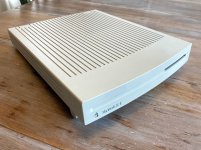
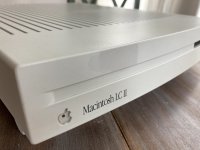
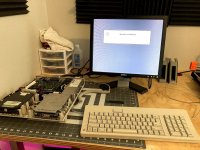
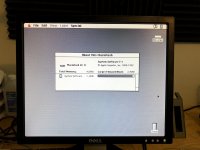
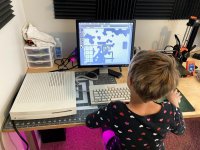
Time to restore my Macintosh LCII! This one came from Craigslist. According to the previous owner, he'd never tried to power it on.
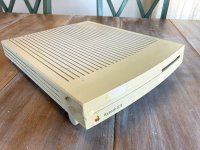
The case seemed okay, but there was a lot of tape and stuff on it.
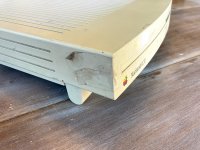
You can tell where the monitor used to sit. I'd love to find a 12" RGB monitor for this, but I haven't had much luck. There are a couple of broken ones on eBay... maybe I should buy one and experiment with body filler?
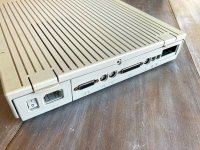
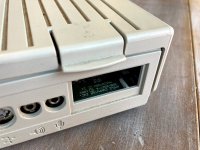
This seems to be an "Apple" computer. But seriously, it's missing the expansion slot cover here. I would like to find an Ethernet card for it. Last time I checked, they were pretty inexpensive compared to a card for an SE or SE/30.
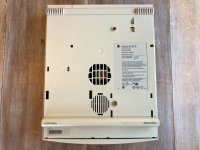
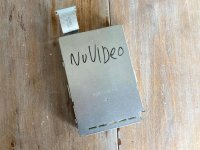
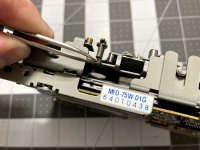
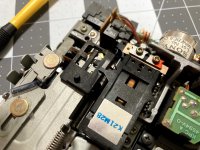
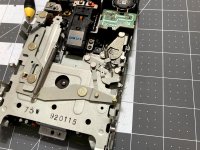
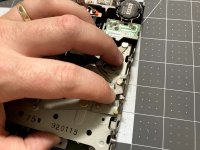
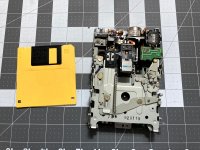
Someone wrote "no video" on the floppy drive. My guess is that the PRAM battery was flat. I can't remember whether it was missing the battery, or if I had already removed it. That's always the first thing I do when I receive a new machine. Because of the "no video" indication, I argued way down on price.
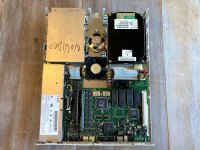
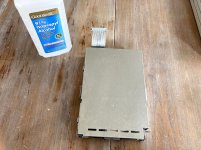
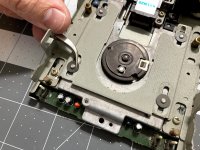
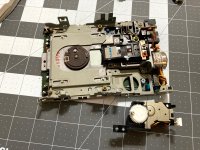
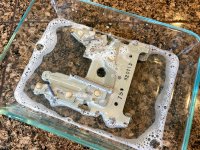
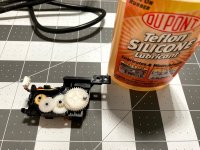
Someone stuffed some paper in the floppy drive to keep the dust out. Not a bad idea, but I'll be completely cleaning the drive, like I always do.
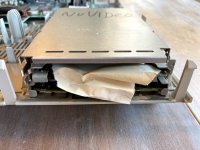
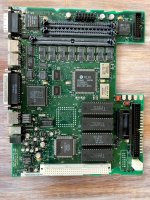
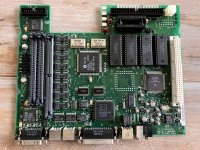
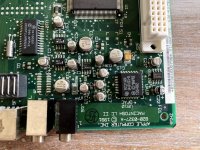
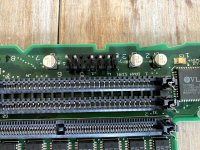
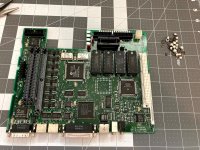
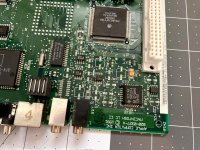
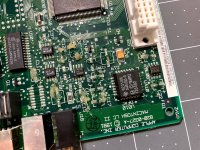
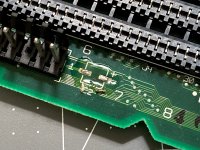
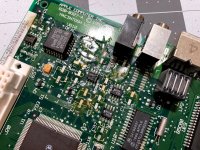
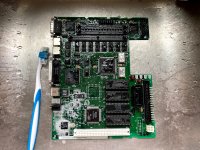
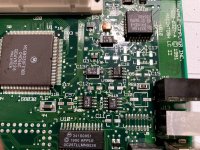
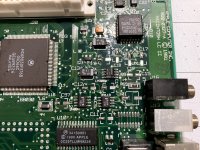
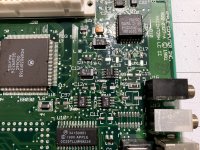
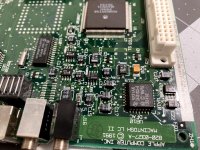
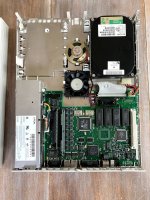
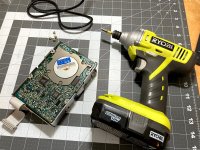
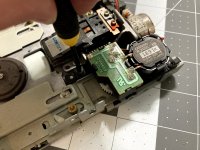
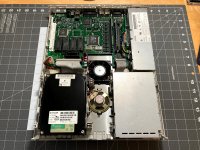
I started removing things. The board looks pretty good! Some light corrosion around the caps of course. I'll be replacing these for sure. I am happy to report that I managed to remove everything without breaking any of the plastic on the case!
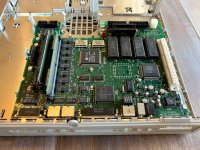
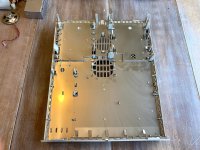
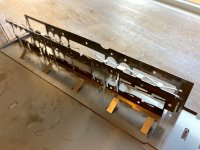
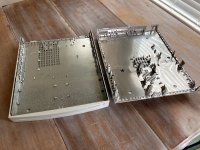
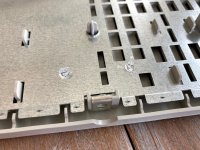
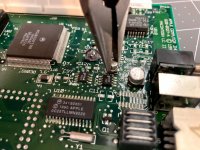
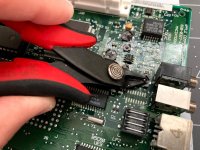
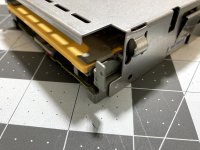
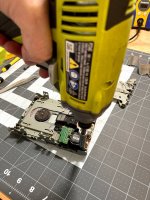
To retrobrite the case, I need to remove the metal shielding. When I restored my Performa 476, I didn't do this, and it started to rust all over the place. I won't make that mistake again. To get the shield off, I need to cut away all of these little melted posts.
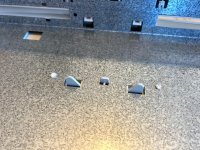
Cheap flush cutters make quick work of this.
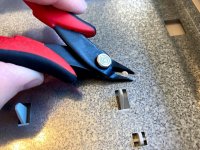
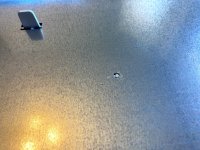
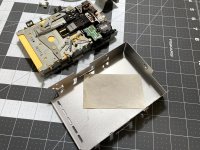
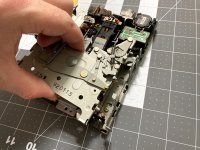
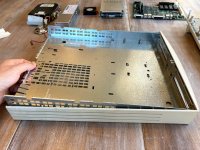
Next, I snuck the shield up and out of the case. Lifting from the back if a good place to start, but there are a few posts and clips to watch out for. I doubt I'll have to do much to re-install the case.
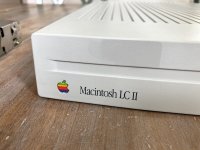
Before retrobrite, I popped the logo out with a papercl- er... Apple Logo Removal Tool. While I have gotten away with retrobrite with the logo installed, I've had retrobrite that involved any kind of heat (like from the sun) bleach out certain colors. No need to take a chance.
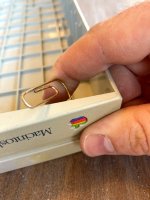
There was a bit of a weird adhesive on the front of the Mac. I thought it was going to be a huge pain, but it just scraped away with my thumbnail. Note the color of the plastic underneath.
.
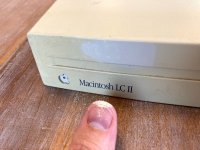
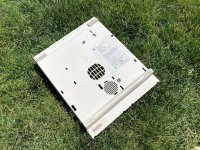
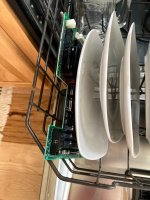
Next, it's outside for a scrub with dishwasher detergent and a toothbrush!
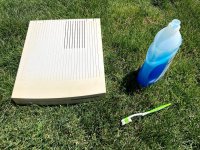
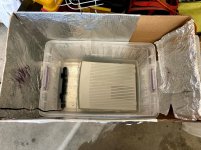
I did use a wet paper towel and baking soda on a few spots to remove back marks, but other than a bunch of scrubbing, there isn't much to talk about here. Here's the results, ready for retrobrite!
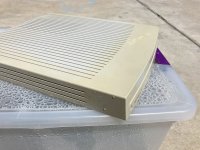
The case seemed okay, but there was a lot of tape and stuff on it.
You can tell where the monitor used to sit. I'd love to find a 12" RGB monitor for this, but I haven't had much luck. There are a couple of broken ones on eBay... maybe I should buy one and experiment with body filler?
This seems to be an "Apple" computer. But seriously, it's missing the expansion slot cover here. I would like to find an Ethernet card for it. Last time I checked, they were pretty inexpensive compared to a card for an SE or SE/30.
Someone wrote "no video" on the floppy drive. My guess is that the PRAM battery was flat. I can't remember whether it was missing the battery, or if I had already removed it. That's always the first thing I do when I receive a new machine. Because of the "no video" indication, I argued way down on price.
Someone stuffed some paper in the floppy drive to keep the dust out. Not a bad idea, but I'll be completely cleaning the drive, like I always do.
I started removing things. The board looks pretty good! Some light corrosion around the caps of course. I'll be replacing these for sure. I am happy to report that I managed to remove everything without breaking any of the plastic on the case!
To retrobrite the case, I need to remove the metal shielding. When I restored my Performa 476, I didn't do this, and it started to rust all over the place. I won't make that mistake again. To get the shield off, I need to cut away all of these little melted posts.
Cheap flush cutters make quick work of this.
Next, I snuck the shield up and out of the case. Lifting from the back if a good place to start, but there are a few posts and clips to watch out for. I doubt I'll have to do much to re-install the case.
Before retrobrite, I popped the logo out with a papercl- er... Apple Logo Removal Tool. While I have gotten away with retrobrite with the logo installed, I've had retrobrite that involved any kind of heat (like from the sun) bleach out certain colors. No need to take a chance.
There was a bit of a weird adhesive on the front of the Mac. I thought it was going to be a huge pain, but it just scraped away with my thumbnail. Note the color of the plastic underneath.
.
Next, it's outside for a scrub with dishwasher detergent and a toothbrush!
I did use a wet paper towel and baking soda on a few spots to remove back marks, but other than a bunch of scrubbing, there isn't much to talk about here. Here's the results, ready for retrobrite!
Last edited by a moderator: