• Hello MLAers! We've re-enabled auto-approval for accounts. If you are still waiting on account approval, please check this thread for more information.

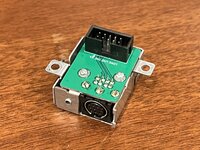
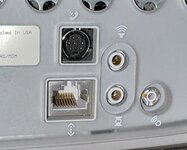
Introducing (and interest check) CircuitTalk: LocalTalk for PowerMac G4

I've put your name on the list!

If anyone else is interested then please let me know here or in a message. I will have four G3 kits and four G4 kits available and so far just two G3 kits have been reserved.

I forgot to mention I have a G4 AGP! I mean I said it before, but I do not expect you to remember.
 
Any news about the Mac mini version? 😇

Getting closer! I've got my sights set on the Pismo and iMac G3 versions next but I have at least (I think) confirmed that the supplementary connector in the G4 Mini has the right pins for me to hook up a CircuitTalk. I still need to nail down an ID on the connector used though.
 
Getting closer! I've got my sights set on the Pismo and iMac G3 versions next but I have at least (I think) confirmed that the supplementary connector in the G4 Mini has the right pins for me to hook up a CircuitTalk. I still need to nail down an ID on the connector used though.
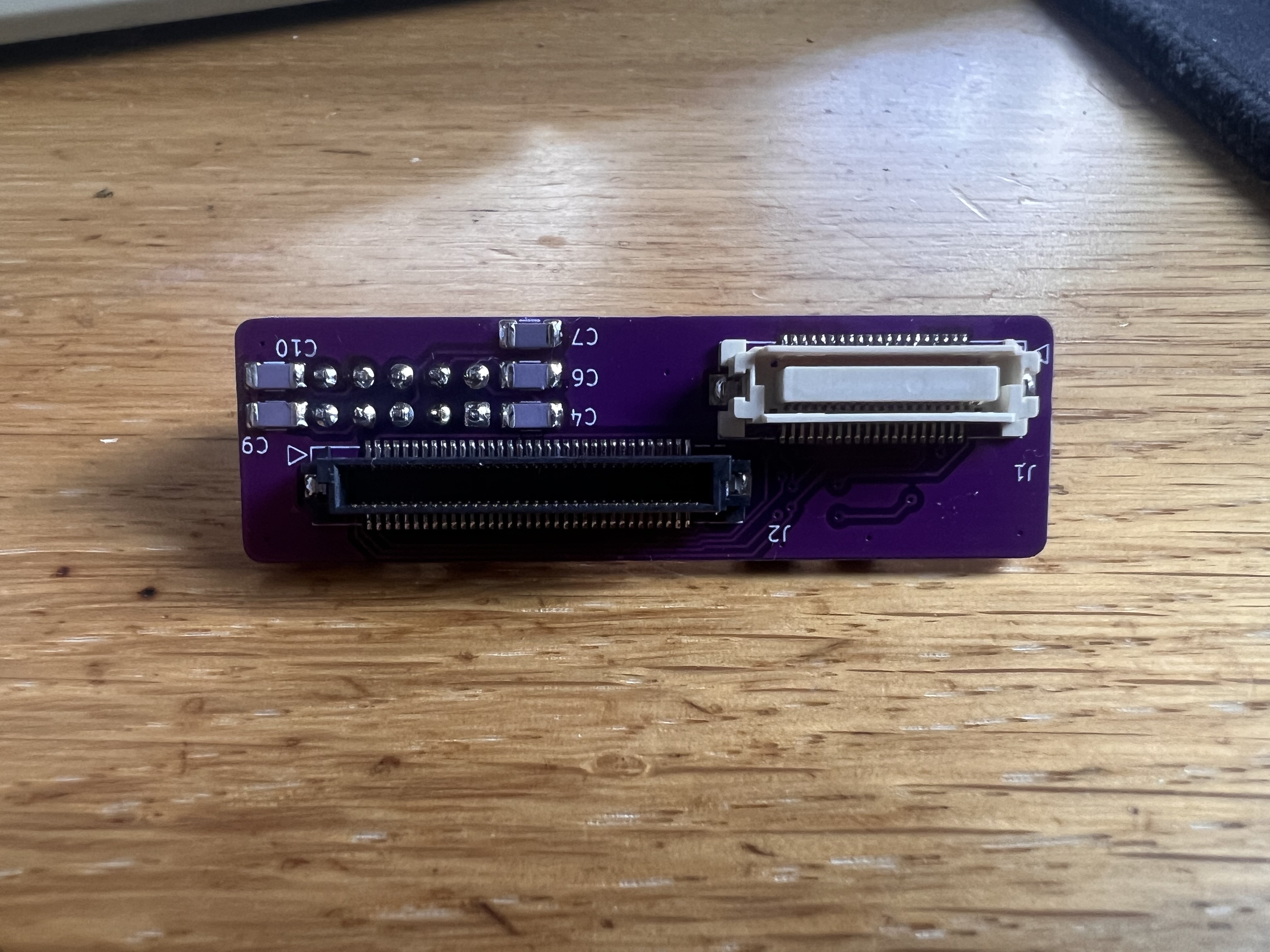
Great! I‘ll be also very interested in the iMac G3 version!
 
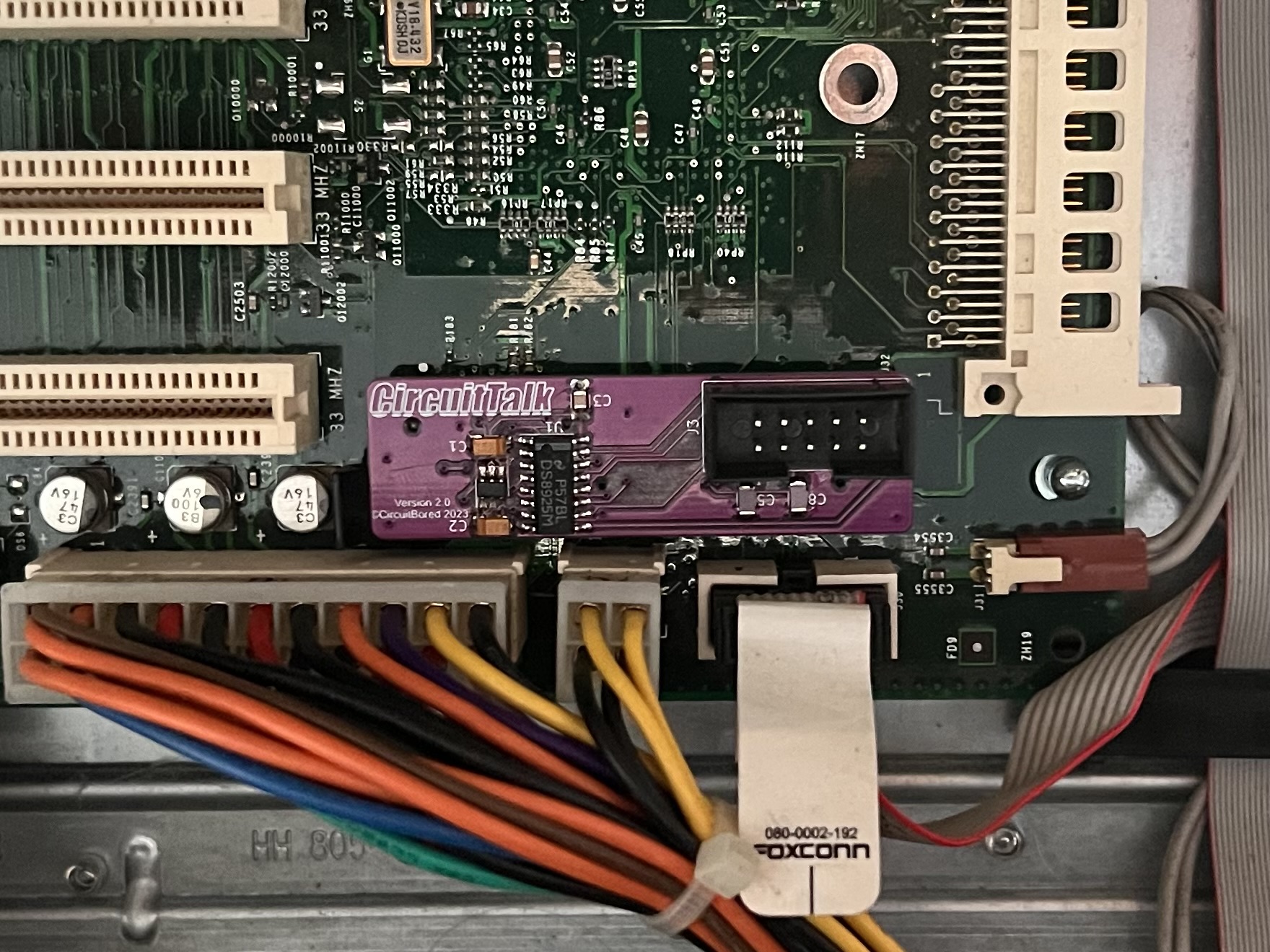
The day has come!

4cTOHFn.jpeg

mbhmugY.jpeg

PrhFCYo.jpeg


Tested, working, and good to go. The only minor issue is that the G3 modem connectors I ordered are shorter than the last one I bought, despite being the "exact same" part from Digikey, so the fit in the G3 is rather snug. Luckily the connector still sits well enough for the board to work.

N.B. Versions being sold will feature either the G3 or G4 connector, not both (unless specially requested).

All that is left is for the parts for the G3 breakout to show up and then I'll start assembling these en masse and getting them shipped out.

Bonus:
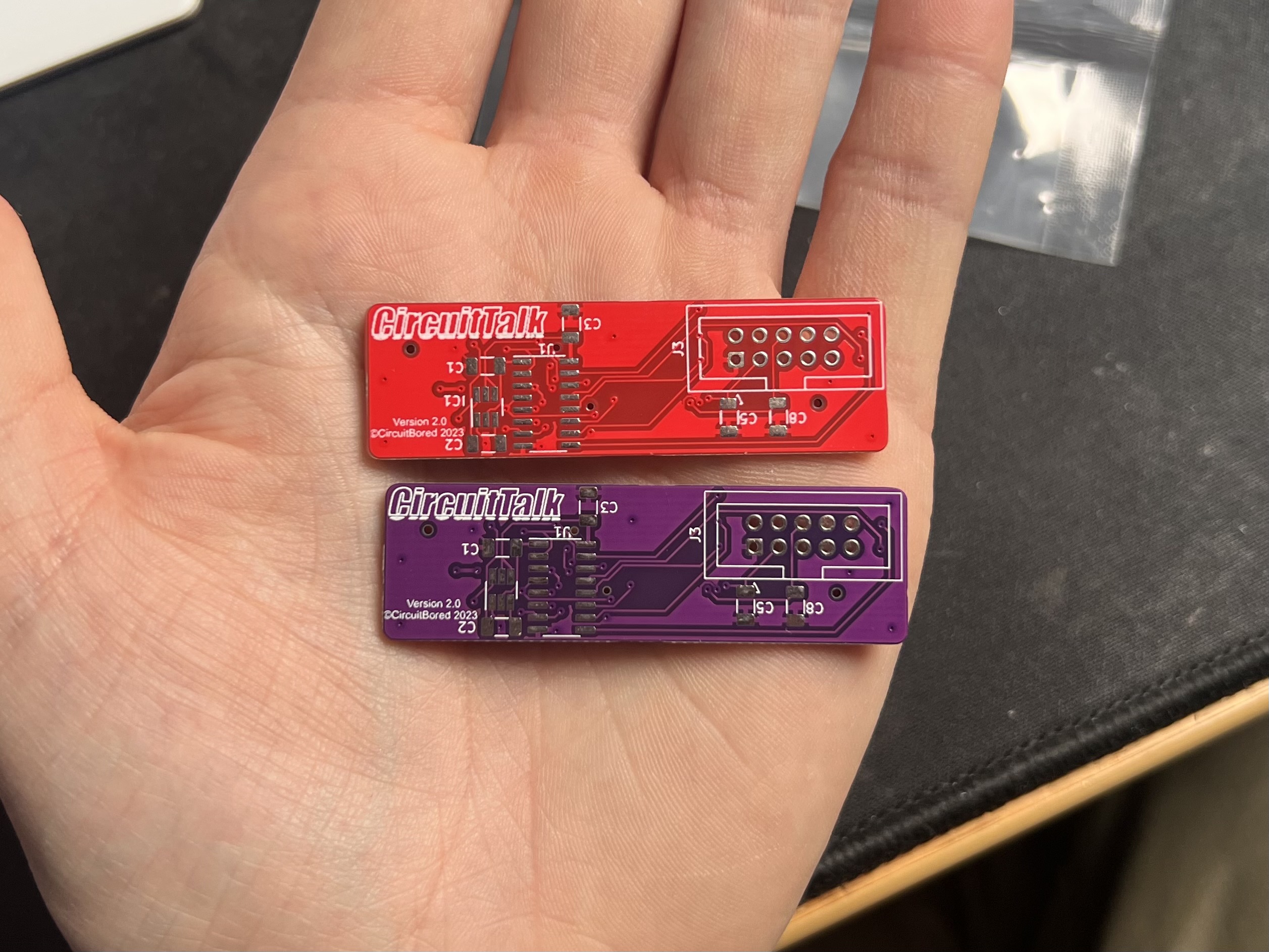
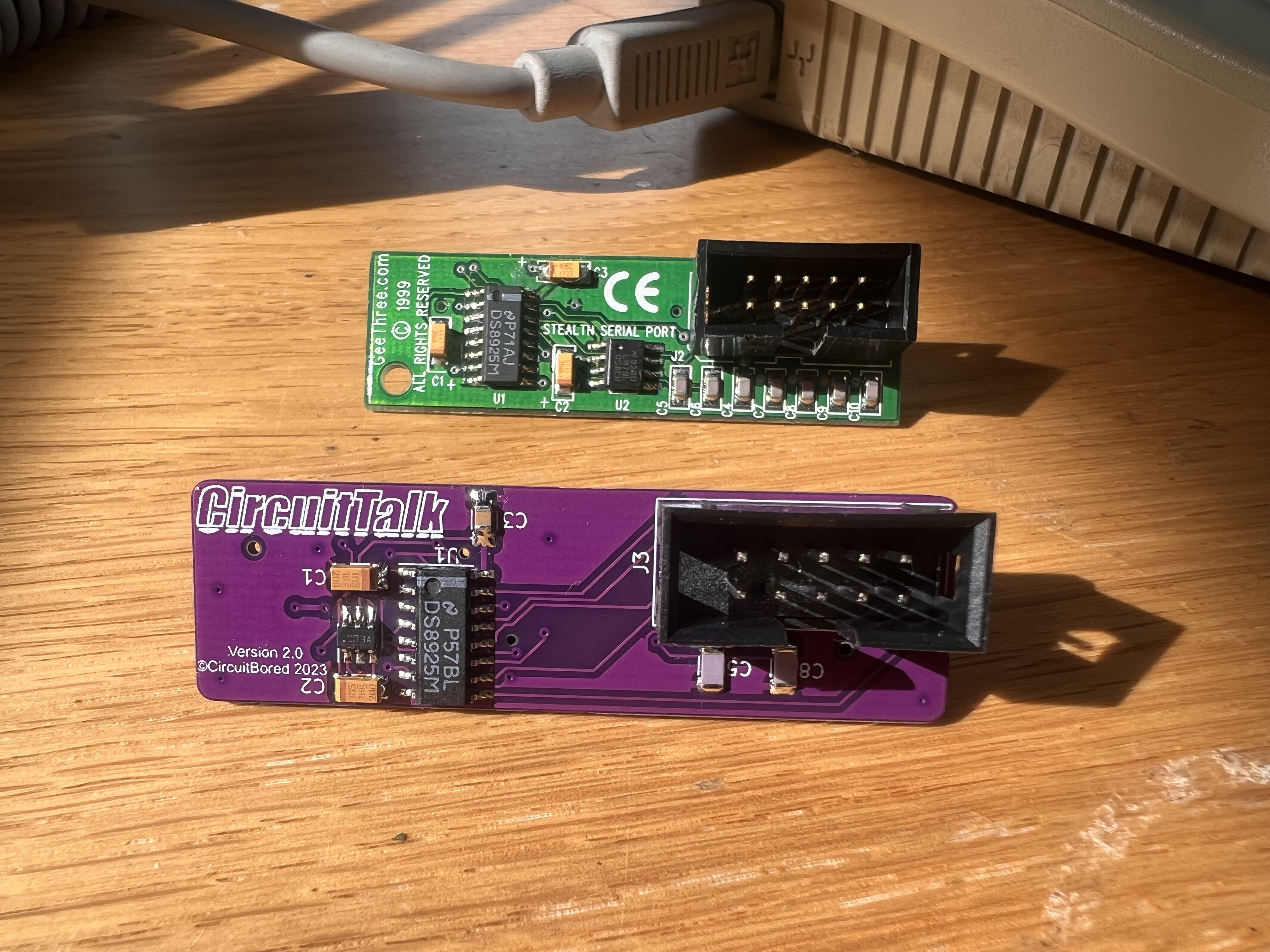
S0XmFvd.jpeg


Red or purple? You decide!

I'll send out messages to folks on the waiting list once things are ship shape.
 
I can't get over how nifty these things look! Those on the waiting list for G3 kits can expect a message from me in the next day or two.

IMG_6411.jpeg
 
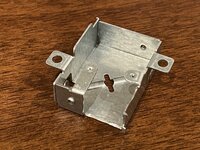
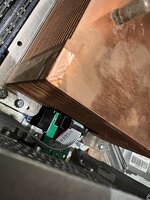
Did the install last night on an MDD with the horizontal copper heatsink. Very easy to plug in the main PCB, modem port install is a bit tricky. I recommend removing the processor heatsink to do this to make this part much easier. I notched the modem port bracket as shown, and twisted the mounting ears to align the DIN plug.

Consider removing the motherboard to route the ribbon cable under (though possible to route on top). I test fit the ribbon plugs a few times before install as initial fit was tight.

When reinstalling the modem port, make sure the claw tabs go into the case first before screwing it in for a solid fit, then test connector placement by plugging in a cable.

Very nice product, port looks stock. Looking forward to testing tonight!
 

Attachments

  • IMG_6618.jpeg
    IMG_6618.jpeg
    2 MB · Views: 27
  • IMG_6619.jpeg
    IMG_6619.jpeg
    2 MB · Views: 28
  • IMG_6622.jpeg
    IMG_6622.jpeg
    232.2 KB · Views: 28
  • IMG_6625.jpeg
    IMG_6625.jpeg
    1.5 MB · Views: 30
Last edited:
Very excited to get this kit!!!
I was just reading back and see that I need some special software to run it. Where do I get this?
I intend to use the port to connect to a MIDI interface via serial, not to network via LocalTalk, do I still need this special software?
 
Very excited to get this kit!!!
I was just reading back and see that I need some special software to run it. Where do I get this?
I intend to use the port to connect to a MIDI interface via serial, not to network via LocalTalk, do I still need this special software?

You can get the extension that enables the serial port here. There is also a second extension/patcher that allows you to bridge the serial LocalTalk connection to ethernet, here.
 
You can get the extension that enables the serial port here. There is also a second extension/patcher that allows you to bridge the serial LocalTalk connection to ethernet, here.
Thanks for t hat, downloaded them!

i was also looking at @opualuan 's post and my G4 and I have no idea how to remove the old modem connector from the case, is there a tutorial anywhere? Looks kinda complicated, especially if I have to remove the whole motherboard, so a guide would help..
 
Back
Top