Installing System 7.6.1...
Format and partition your disk. I tend to make a couple of small partitions for older OSes, and habitually don't make them larger than 2GB even though that isn't a limit here. Make sure you select HFS (Standard), not HFS+ (Extended).
While booted from another OS, insert a 7.6.1 installer CD (I need to make a bootable version but haven't got around to it). Ignore the main installer, it won't run on your iBook. Open the "Software Installers" folder, and then the "Mac OS 7.6" folder.
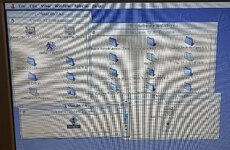
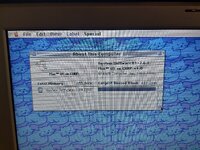
Hold option down while you double click and keep it down while you accept the licence agreement, and any other messages until you get to the main installer. If you don't hold option it will tell you the installer isn't compatible with this machine, if you do, you get the following screen :
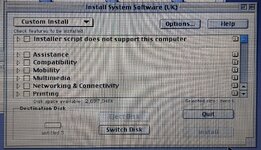
Select the minimum install (not the full) and then add in anything you feel you need, but keep it fairly light to minimise issues. Once done, select a destination and click install.
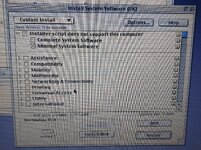
Quit out and run the 7.6.1 Update Installer.
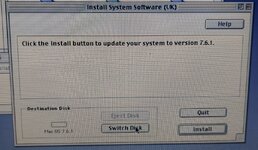
Don't restart, but instead put the CHRP Enabler, CHRP ROM and Mac Mini ROM (Mac OS 9 Lives 9.2.2 ROM) in the System Folder. Then move "Monitors & Sound" and "Date & Time" out of the System - they cause issues on my setup for some reason.
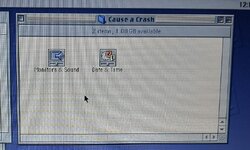
Now you can restart into 7.6.1.
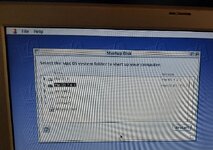
Remember if you have issues, you can hold Option during boot to show the boot selector.
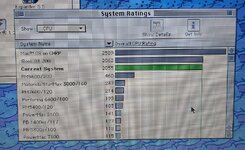
You should now have a working, if fragile and buggy, Mac OS 7.6.1 install on your iBook.
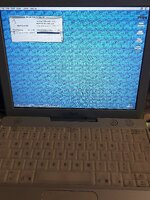




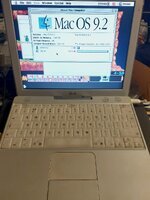
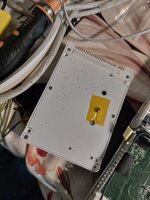
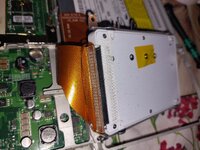
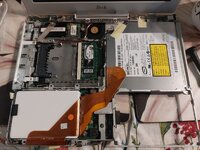
 . But I picked up a cheap "sold as seen" iBook G3 700MHz 12" on eBay.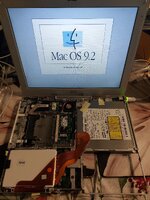
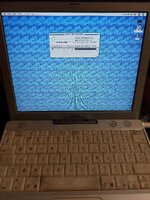



 Sometimes you just need to go to the Software installer instead of the top level one. Sometimes they used to block that, but if you get a different top level installer, and change the name of the sub installer to match the one that it originally referenced... That works too.