Pull up the Command Prompt. Navigate to your download folder where you have the .BIN and .CUE files. Use the cd command to change directories.
Assuming bchunk is in the same place as your download folder, your command might look like the following:
Code:
C:\Users\-----------\Downloads>bchunk.v1.2.1_repub.1-bin-cue-iso.exe -v "Night of the Living Disc.bin" "Night of the Living Disc.cue" "Night of the Living Disc.iso"
The tool should just take a few seconds to process it.
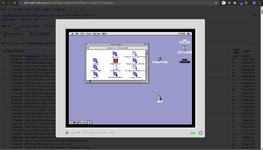
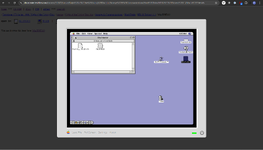
It even works for random files and folders. Eg looking at the Mac II HD20 driver info and pressing Open in Mac OS 8.1 will dynamically create a disk image with the contents and open it in an emulated mac:
This site uses cookies to help personalise content, tailor your experience and to keep you logged in if you register.
By continuing to use this site, you are consenting to our use of cookies.