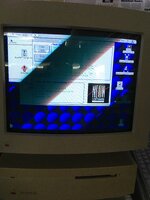
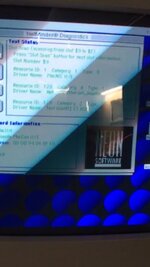
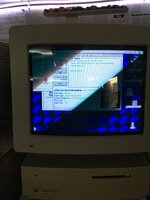
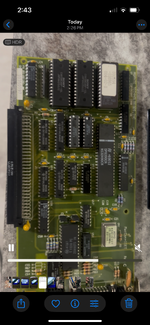
Mac iisi Ethernet woes

I have a nubus angle adapter with asante Ethernet card in my iisi. It also has fpu installed. I cannot get it to network. The fpu is detected so i know the riser card is being seen. The lights flash on the Ethernet card but I cannot get it to network with known working cable. I have also tried my maccon Ethernet for iisi / se/30 and it does the same thing. So wondering is there something on the logic thats pooched?

I have about 10 of my old Macs hooked up via Ethernet so i know what settings to use. I tried reinstalling the mac os to rule out os being the issue.


Any ideas are welcome!
 
How does it show up in Mac OS? Are you using Open Transport (TCP/IP and AppleTalk control panels) or the Classic (Network/MacTCP control panels)? - Some cards don't support both.
 
You've probably already checked these, but just in case:
  1. You have the EtherTalk software installed and known working? It's not just that the OS install has broken Ethernet?
  2. This isn't one of those cards that needs 10/half is it? If you have an old hub, sticking it between the card and your switch might help in this case
(edit: ah, beaten; that'll teach me for leaving the posting window open while I make a coffee...)
 
How to do that? Sorry! Thanks!
- Some managed switches allow you to configure each port's speed. Check the web interface of your switch (or router). It it has none, you're out of luck here
- Use a hub as @cheesestraws suggests
- Connect it to another computer (maybe you'll need a crossover cable here) and configure the ethernet port to 10Mbit/half duplex. Then you need to set up your computer to make it forward ethernet frames. You could use a Raspberry Pi with an extra Ethernet port for this. Or maybe a pre-Big Sur Mac.
- Modify the card itself. There is a guide on TinkerDifferent IIRC
 
My Asante EN/SC adapter won’t do auto negotiation. I have to force that particular port on my router to 10baseT half duplex as robin-fo suggests. Granted, the router itself isn’t new either.
 
Back
Top