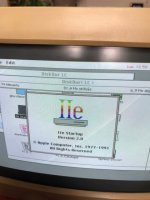
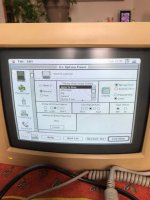
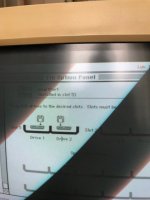
The IIe Startup program uses the startup setting in the Slot Configuration panel to locate a program disk. If a specific slot is designated as the startup slot, IIe Startup goes directly to the first drive assigned to that slot. If the startup option is set to Scan, the program scans the slots,
in descending order from 7 to 1. The first startup disk it encounters is loaded into the computer’s main memory, and you see the opening display for the program on that disk.