How do you do these? Do you have high-resolution scans or do you recreate them in a graphics program?
I just use PhotoShop CS6. I either scan in source material from originals I have on hand, find high quality photos and scans online, or I recreate it myself.
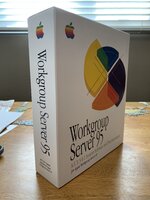
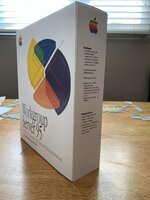
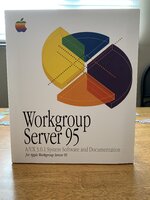
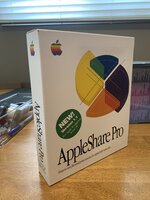
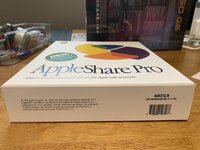
For the pie chart graphic on the Workgroup 95 box, I scanned in my AppleShare Pro box and used that as a reference for creating it painstakingly by hand.
As you know, scanning halftone dithers results in uneven printing and banding, so I do tricks like upscaling it 4x the printing DPI, applying a variety of filters, then back to the printing DPI. I then replaced the resulting halftone colors with a solid color manually for each pie. Hand traced the shadow lines within the pie.
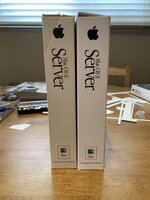
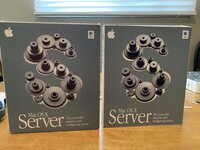
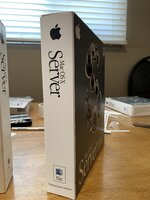
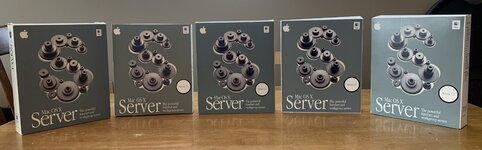
For the OS X Server box, to get the green just right, I printed out the color swatch book from my printer, which gives me RGB values in PhotoShop that corresponds to a printed color I matched up to my original boxes. The gears on the box are a three layer sandwich combination of scan from the box, and an Apple “high resolution” graphic, and another layer from another source I can’t recall. The best of each component was used.
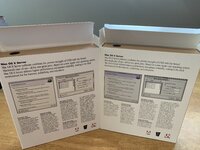
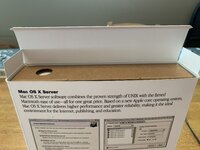
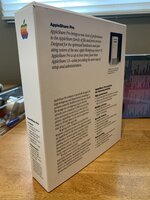
For boxes that already exist (like the OS X Server and AppleShare Pro, I just use the original Apple fonts and retype the text and like it up with scans or photos to ensure the placement is perfect and precise.
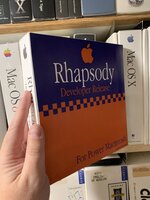
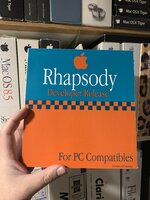
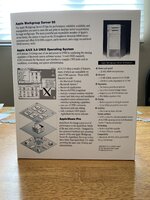
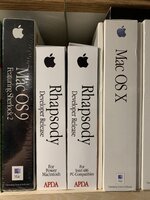
For boxes that don’t exist that I make up (or in this case made up) I figure out what graphics the front might have, and I pull information from Apple internal documents or press releases etc to create the “marketing” used on such a box.
For printing I have sourced some good white shiny (but not glossy!) thick cover cardstock (350gsm / 130lb cover) which is quite a bit thicker than cereal box paper. This actually works well in my printer, which is a Xerox solid wax ink dye sublimation printer.
The printer and the cardstock are 80% of the visual experience, because the wax ink has a sheen to it that mimics a real box.
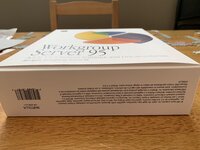
I’ve figured out a process for dividing up the box into sections and printing those out, cutting them with precision tools, and connecting the cardboard pieces together so that they look like they were done in a factory.
Using techniques people use for gift card creation and scrapbooking.
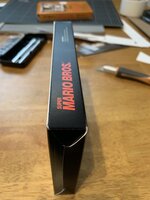
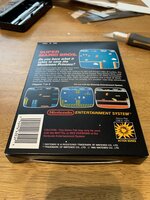
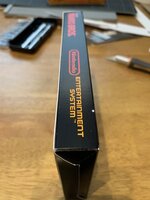
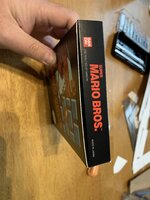
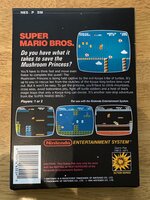
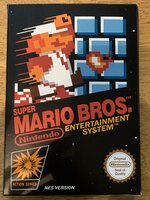
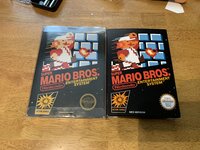
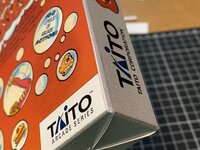
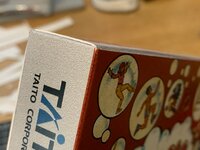
I’ve gotten pretty good at working with cardstock and glue and adhesives. I’ve also remade some NES boxes, here are a few photos. Those print on slightly thinner cardstock.
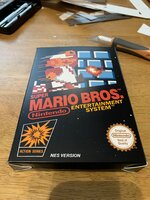







 I'm not shy.