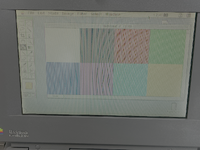
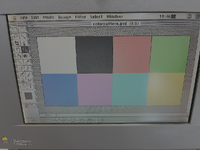
Hi, I just recapped a 165c and still have issues with the screen.
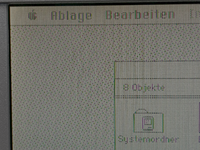
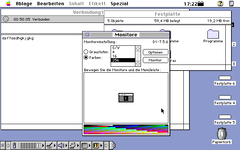
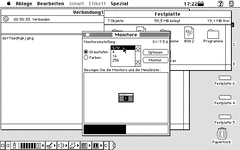
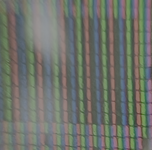
It looks washed out, without contrast. From near view it seems that there are white stripes in the pixels and I see violet and green borders beneath the black lines of menus and windows.
Is this the vingear syndrome or something else?
If I push the left slider to the left, more colors are visible but the screen is very dark then.
On the display glass I can not see any signs of delamination of the foils on front or back of the glass.
Any advice on what I can do to improve the quality?
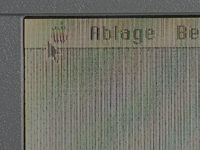
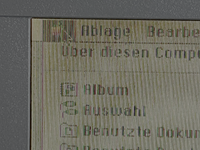
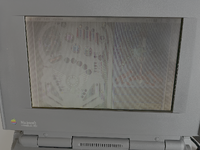
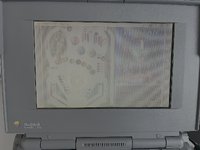
It looks washed out, without contrast. From near view it seems that there are white stripes in the pixels and I see violet and green borders beneath the black lines of menus and windows.
Is this the vingear syndrome or something else?
If I push the left slider to the left, more colors are visible but the screen is very dark then.
On the display glass I can not see any signs of delamination of the foils on front or back of the glass.
Any advice on what I can do to improve the quality?