I wonder if perhaps the chip is there for the AirPort Extreme + Bluetooth? That's another distinguishing feature of the FW800s compared to all other G4s.
I have a downgraded FW800, I think the only downside was that the FW800 ports were recognised as FW400 (maybe only on OS9, i can't remember), but I never actually tested that. It's been running nicely for many years without issue.
I wonder if perhaps the chip is there for the AirPort Extreme + Bluetooth? That's another distinguishing feature of the FW800s compared to all other G4s.
I have a downgraded FW800, I think the only downside was that the FW800 ports were recognised as FW400 (maybe only on OS9, i can't remember), but I never actually tested that. It's been running nicely for many years without issue.
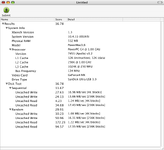
What's the best way to test speeds? The only FireWire device I have is an iPod which I could try this weekend. The AirPort Extreme works, and will also test BT
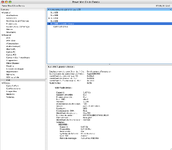
If you don’t have a fw800 device you won’t be able to test if it’s working at full speed. Maybe you could see what it reports in system profiler about the bus itself. I guess there should be two buses?
What's the best way to test speeds? The only FireWire device I have is an iPod which I could try this weekend. The AirPort Extreme works, and will also test BT
The iPod only has FireWire 400. You'll want a Hard Drive enclosure that supports FireWire 800 to test the speed of the FireWire 800 port.
If you had a second Mac with FireWire 800, you could try FireWire 800 networking. Try iperf 2 for PowerPC Mac OS X?
You could also try FireWire target disk mode - but I don't think FireWire from an Open Firmware host will be as fast.
This site uses cookies to help personalise content, tailor your experience and to keep you logged in if you register.
By continuing to use this site, you are consenting to our use of cookies.