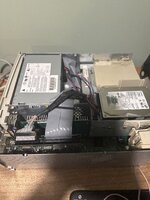
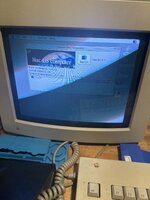
You may need to adjust those DIP switches. Try some of the settings for 640x480 or 800x600.
But it could be a marginal power supply. If there's no chime, and no video output, it is not starting.
If you have an ATX power supply, it could be adapted to TEST the machine with - but the pins are not directly compatible so you would need to map them to the 7500's power pins.
The spreadsheet shows the clip on the wrong side of the connector. It should be on the same side (top with respect to the PM motherboard) as the +5V trickle (yellow wire).
I’ve just read through the whole thread, it’s been confirmed that VRAM won’t be the cause of the issue. I mean someone here specifically tested their 8600 board for you without VRAM and it still chimed.
I’d advise trying another CPU card now that you’ve ruled out the PSU. It’ll either be that or the motherboard, imho.
This site uses cookies to help personalise content, tailor your experience and to keep you logged in if you register.
By continuing to use this site, you are consenting to our use of cookies.