Hello!
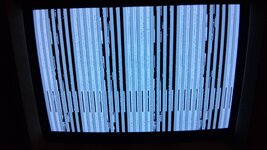
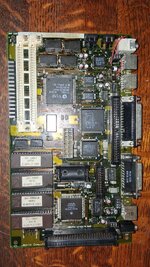
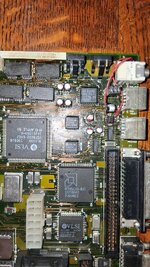
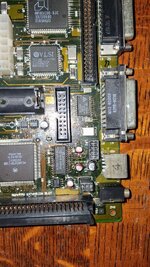
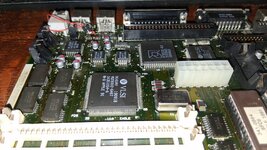
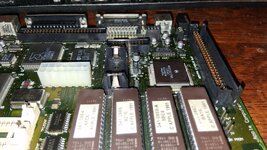
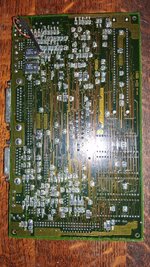
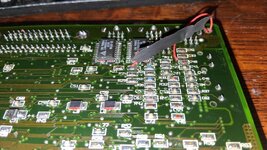
I'm working on the logic board of this Macintosh Classic II, and the attached image shows the issue I have after recapping, and washing the board. I also cleaned under the EGRET chip, and the RAM chips. I've even switched out the ram chips, resulting in the exact same issue. No chime either. Analog board is definitely working, works with other classic ii boards.
What it looks like to me is that each stripe is an alternating series of correct looking and not correct looking. What I mean is that the first stripe looks like a strip of the normal startup screen, then the second stripe is what you'd find with leaky caps and an unwashed board. What could be the explanation for this? The issue is consistent, on every startup it looks the same.
Help is appreciated!
Thank you!
I'm working on the logic board of this Macintosh Classic II, and the attached image shows the issue I have after recapping, and washing the board. I also cleaned under the EGRET chip, and the RAM chips. I've even switched out the ram chips, resulting in the exact same issue. No chime either. Analog board is definitely working, works with other classic ii boards.
What it looks like to me is that each stripe is an alternating series of correct looking and not correct looking. What I mean is that the first stripe looks like a strip of the normal startup screen, then the second stripe is what you'd find with leaky caps and an unwashed board. What could be the explanation for this? The issue is consistent, on every startup it looks the same.
Help is appreciated!
Thank you!