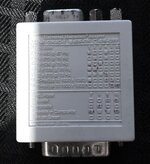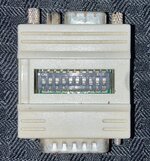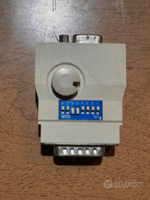
A long time ago, I bought (via eBay, I believe) an assortment of video adapters for converting from the output of a Mac (pre-Intel) video to (mostly) VGA. Of those, I only had one that worked with any sort of reliability (and still a lot of trial and error). The bottom line is that I don't have a reliable adapter, which means if I use one and it doesn't work, I cannot be sure if the issue is with the adapter or the computer.
So, what is/are some good adapters (brands, models, links to eBay/Amazon item) for connecting an LC III to a modern-ish display? The LC III has only the built-in video output. I would prefer to use an HDMI display if there is something available that can convert from Mac video output to HDMI. Alternatively, I do have some displays that take VGA input.
Any recommendations?
Thanks!
So, what is/are some good adapters (brands, models, links to eBay/Amazon item) for connecting an LC III to a modern-ish display? The LC III has only the built-in video output. I would prefer to use an HDMI display if there is something available that can convert from Mac video output to HDMI. Alternatively, I do have some displays that take VGA input.
Any recommendations?
Thanks!