Argh, I didn't even consider this. The MacOS / OS X transition was such a mess...
I know! I was surprised. I didn't use Mac OS 9 for long as back on the day I needed a PC for my studies, so I also missed the Mac OS X transition (I went from an 8.6 user to a 10.4), so I had no idea bundles were a thing on Mac OS 9. My concern when I created a CodeWarrior project was to create a 68k binary and a PPC binary, maybe, and I assumed that would be the end result. Now I realise it's a Carbon support setting for Mac OS X. To generate 68k code I probably need to add a new target or something. That's a problem I will try to figure out later.
I think in a relative path, you can have::to represent the parent directory.:represents the current directory. It's like..and.in Unix. So you could maybe do::abcto get the abc file in the parent directory or:::abcto get the abc file in the parent of the parent directory.
ioFDirIndex= 0 get info for the named item in the vref/dir. I suppose the parent directory id would be the same as the directory id.
ioFDirIndex= -1 ignores the name and gets info for the vref/dir (including parent directory id).
Nice, I'll have a play with that. Thanks.
Is there a flag that says whether your process (app) is a bundle/package instead of a standalone resource file? Perhaps in the Process Manager? Core Foundation framework? Carbon API?
So, I made a bit of digging, and I found a setting in the Target section of the project in which there's a dropdown that says "Application Package" and can be changed to "Application". I had to do that for both debug and final targets, and I had to restart CodeWarrior otherwise it misbehaves. (I deleted the packages manually, I don't know if that's necessary.)
Regarding working directory IDs, they are not a concatenation of vRef and DirID - that would require 48 bits! macOS maintains a list of working directory IDs somewhere. I think you can see the list in MacsBug? There's a limited number of working directory IDs (< 15 bits?) so there's aOpenWDandCloseWDfunction just like there are similar functions for opening and closing files (frefs are 16 bits) (you can definitely see the file list in MacsBug).
I believe they are. I said earlier they are conflated, but I think that's the wrong term for what I meant. Concatenated makes more sense. I will try MacsBug. Thanks. I'm not very familiar with it, but it looks like a good time to learn about it.
I didn't know that the WD number changed. That sounds horribly messy.
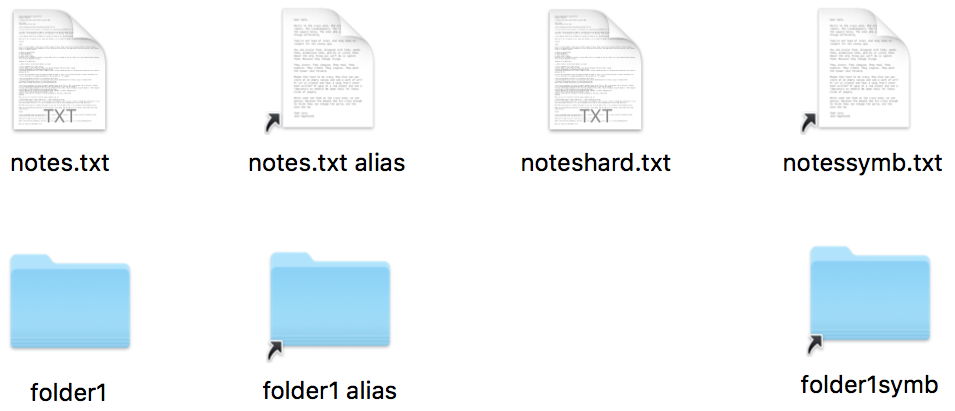
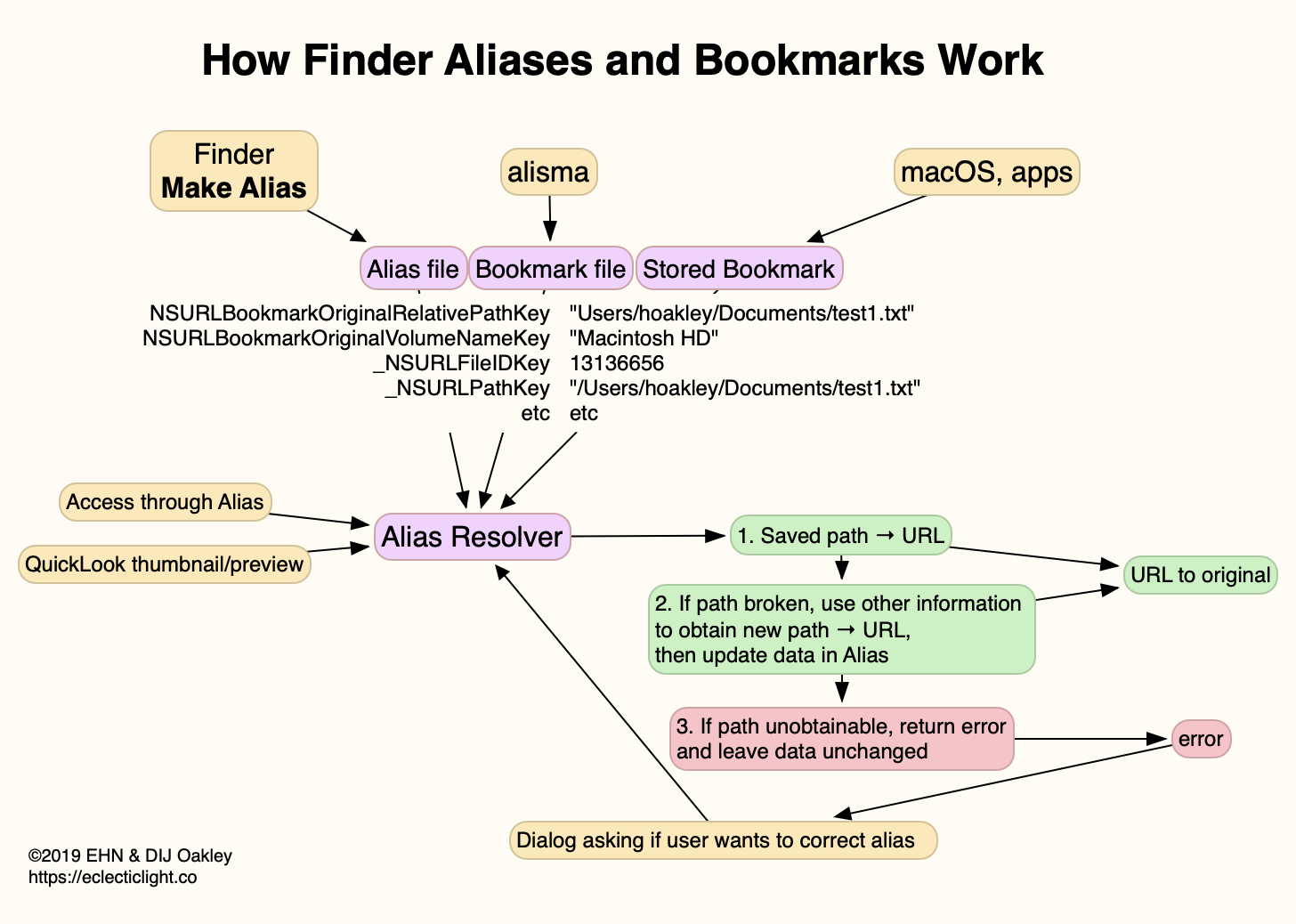
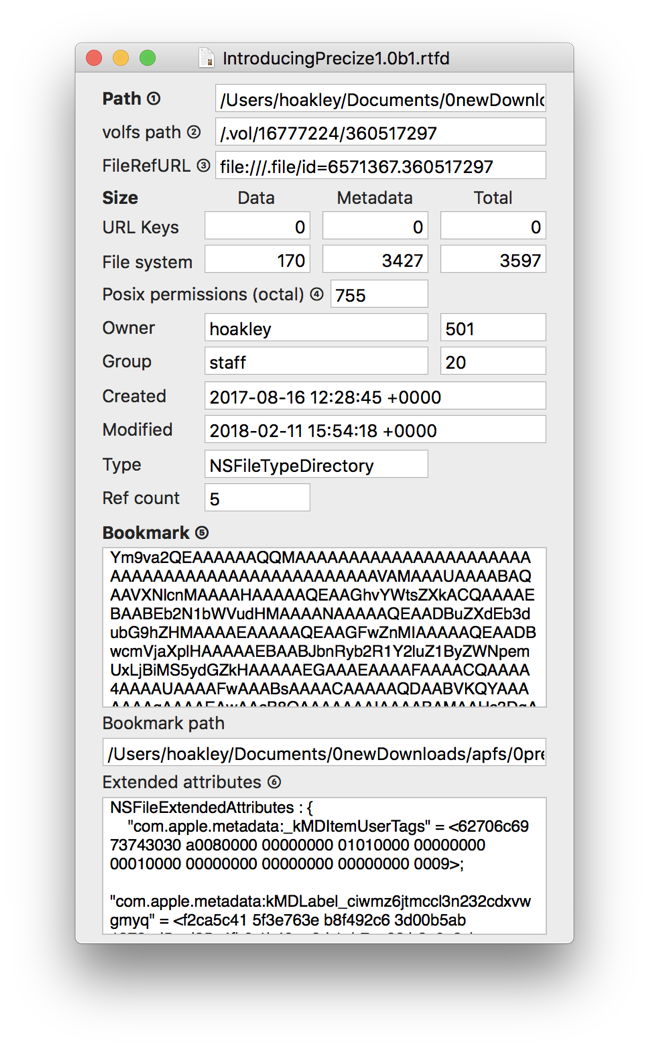
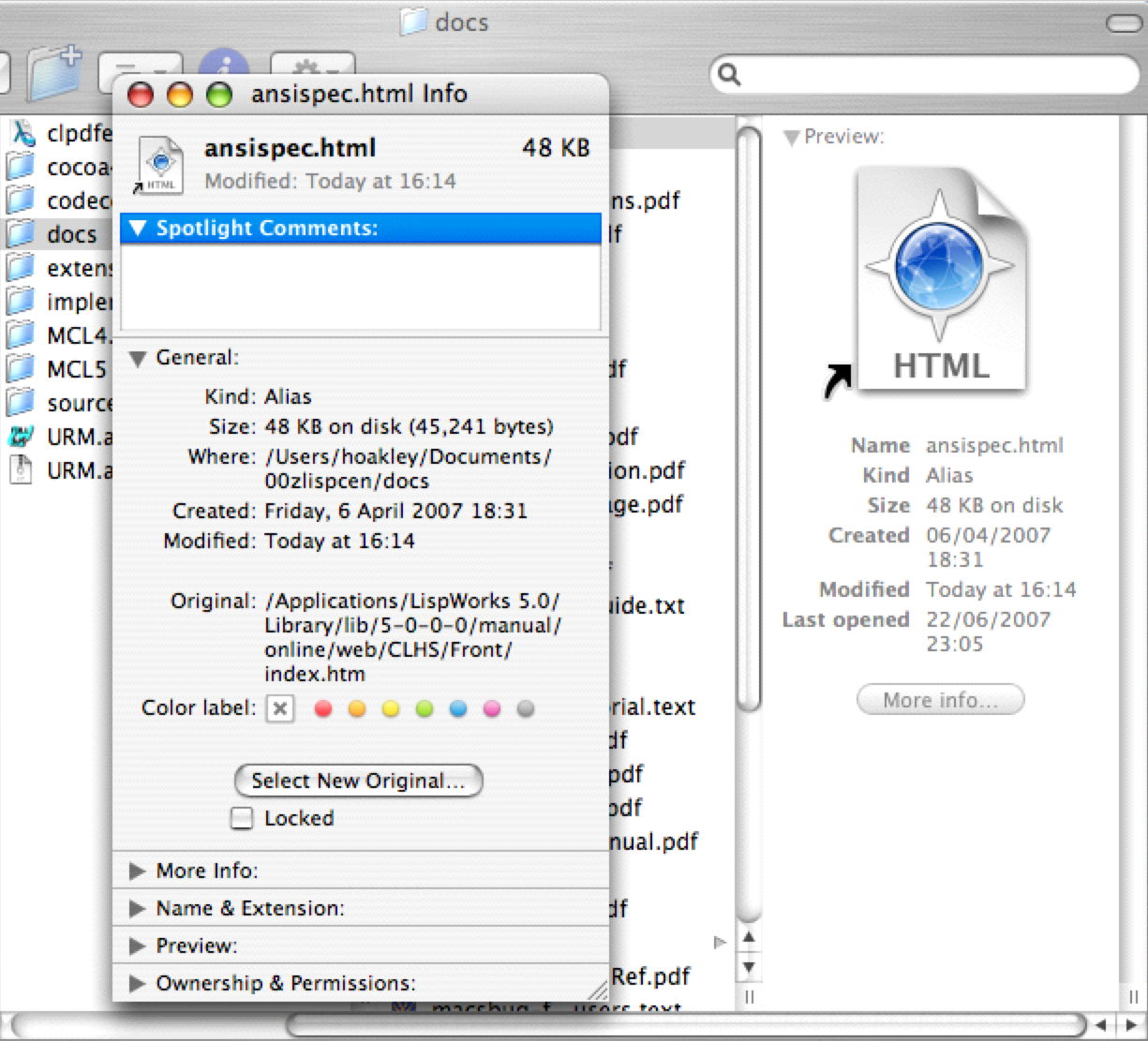
I need, in the future, to keep track of a few directories, and I've read somewhere that we do that by creating aliases. I have no idea how that works, but I imagine an alias will keep a reference to the directory in disc? As long as I can retrieve it, I think it will be safe even if it WD number changes.