Here we go. My epic SE restore saga - final chapter only.
'Epic' means long-winded. But this is why we're all here, right? Sharing what it takes to keep getting the most out of our legacy Macs?
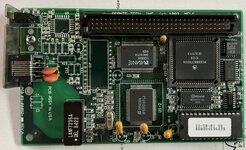
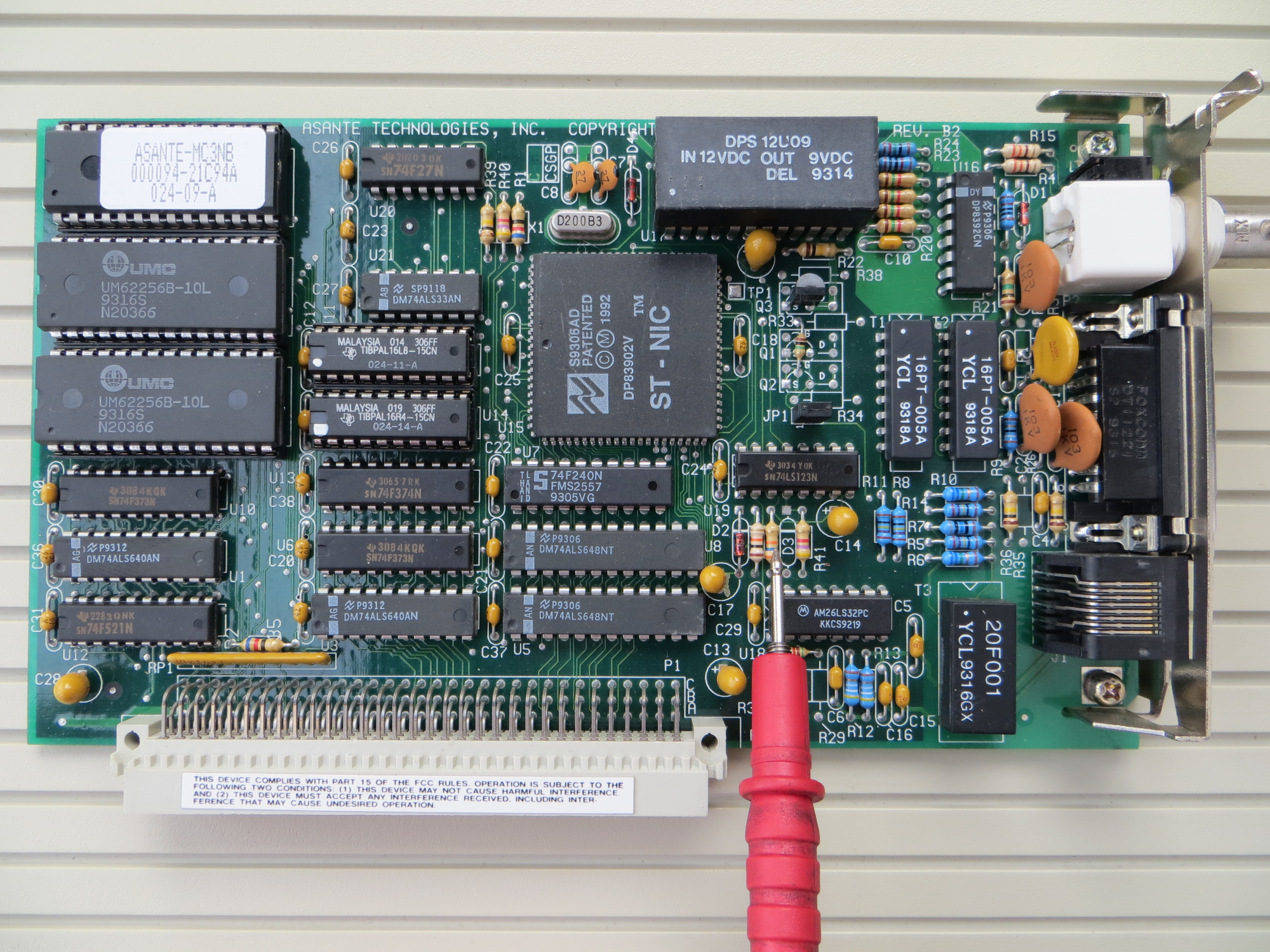
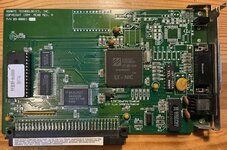
This Cabletron Ethernet NIC is split between a PDS board parallel to the logic board and a magnetics board that mounts parallel to the back of the chassis above the expansion porthole. It offers 10BaseT and AUI connections, and this one has a 64KB buffer. It does not seem to autonegotiate, and so I connect it through a managed switch with a port forced to 10Mbps+half .
First, the main board. Note the orange Sprague axial cap at lower right of the NIC, a little out of kilter..
View attachment 85454
Another perspective. This all fits perfectly fine.. well, almost...
View attachment 85455
The only clearance problem with the main board is that once returned to the chassis, the floor of the I/O bay can (and did) pinch that cap on the NIC, just a little. Fortunately, there is enough slack in the cap's axial leads to just roll the cap outboard a couple of millimeters. But some precautionary insulation, heavy vinyl electrical tape, will pad the chassis' edge - in case I ever slide the logic board out again and forget to watch the clearance on that cap:
View attachment 85456
If I ever do this again, I will get in there with a Dremel and round the sharp edges off of the frame there.
Now, the NIC's I/O panel, with the SE I/O brace attached. Again, this was in fine shape and while not exactly a bargain, I knew it would work when I saw it. (And, it worked.)
Note more of that vinyl tape on the back. More later on that.
View attachment 85457
View attachment 85458
Now, the I/O board was the whole problem. When I first tried to anchor it in the I/O bracket back onto the SE chassis, the I/O board could not clear the internal hard drive. The HDD connectors were nearly in contact with the back of the chassis (when the unit was sealed up).
The only way to make this NIC work and keep the internal HDD .. was to modify the HDD tray. The tray was a clamshell with a top and bottom half. I removed the tray, drilled new holes, and advanced the HDD as far forward in the tray as possible (forward -> towards the user). The limit to this move was the CRT. I did not want to abandon the "lid" (top half) the HDD tray as it shields the HDD from the CRT's EMI. But I also did not want the tray lid to be in contact with the back of the CRT: one good knock and it might fracture the tube. Which would be bad.
The original HDD that was in the tray was anchored to the tray with side screws; IIRC it was an ancient Conner. It wouldn't spin up and had to be replaced. The tray is wider than the HDD and had "dimples" to narrow it down where the side screws met the HDD. The dimples did not extend far enough forward, so I drilled the new holes in the floor of the tray, then covered the floor of the tray first in Kapton tape, for its forever-adhesion, and then added a second layer of vinyl tape for durability. With the HDD screwed down firmly on top of it, the vinyl can never curl up anyway... I'd have preferred an air gap between the HDD and the tray floor for thermal, but hopefully the tray itself can conduct enough heat away to let things live, even through the tapes.
The front of the tray lid was angled to avoid the CRT. I softened the angle - raised its lower edge further from the tray floor - to buy more space to push the HDD forward inside the tray. I applied ample Kapton to the lip of the lid as well as the back of the CRT in case there was any electrical potential between it and the back of the CRT, as well as to soften the impact should any outside jolt ever shake them into each other.
These photos show my first attempt, where the gap between the tray and CRT was there - but too small, paper-thin, to be acceptable. I made a refinement and opened up a 2.5mm gap between the two, which should prevent any physical contact.. but yes, still narrow.
View attachment 85460
View attachment 85461
I repeat, it's not that way now. There's a true gap between them, now.
So how did this help the NIC I/O board clearance? By advancing the HDD within the tray, I gained about 2cm more behind the HDD. Which was enough - but with only about 2mm to spare for expansion and vibration. Now, you see why the earlier NIC I/O board photo showed tape on the back. There's still a close call between the NIC I/O board and the HDD power plug. And those resistors' solder nibs, on the underside of the I/O board, were pointy and sharp. I trimmed them almost flat and then gobbed a little extra solder on them to be certain I had not broken the joints, but also to have nice, dull, round little lumps under the tape that will never perforate the tape.
If anyone knows of a modern, lower-profile HDD power plug, ideally based on a right-angle header.. I believe I've seen them. I should go search for one.
View attachment 85462
And that was about it! I spent time double-checking the mechanicals before I powered it up. Everything still works. Fetched a file or two and called it a night.
I am VERY OPEN to (constructive..) criticisms here. I worry a little about thermal issues in this, namely the HDD now belly-flat on its tray as well as so cozy with the CRT. I did replace the chassis fan with a new, efficient, quiet, modern, look-alike fan. I do hope I have taken adequate precautions.
Epilogue
If I haven't turned into a fire hazard, it's a SE with no new-fangled replacement subsystems, two SuperDrives, an 80MB Apple-branded HDD, 4MB RAM, 10Mbps link, all external I/O working, and a clean case. This was the first system I tried to restore and I have learned the ropes with it. And it is my "Way-back Machine". I sort of thrill a little every time I turn it on and hear the 1984-version chime.. which, when the Macs first appeared on the scene, I associated with Apple bringing 32-bit computing and graphical UI into the everyday person's home. To me, it was like having a little Xerox workstation (like we used in college) in your house.
'Epic' means long-winded. But this is why we're all here, right? Sharing what it takes to keep getting the most out of our legacy Macs?
This Cabletron Ethernet NIC is split between a PDS board parallel to the logic board and a magnetics board that mounts parallel to the back of the chassis above the expansion porthole. It offers 10BaseT and AUI connections, and this one has a 64KB buffer. It does not seem to autonegotiate, and so I connect it through a managed switch with a port forced to 10Mbps+half .
First, the main board. Note the orange Sprague axial cap at lower right of the NIC, a little out of kilter..
View attachment 85454
Another perspective. This all fits perfectly fine.. well, almost...
View attachment 85455
The only clearance problem with the main board is that once returned to the chassis, the floor of the I/O bay can (and did) pinch that cap on the NIC, just a little. Fortunately, there is enough slack in the cap's axial leads to just roll the cap outboard a couple of millimeters. But some precautionary insulation, heavy vinyl electrical tape, will pad the chassis' edge - in case I ever slide the logic board out again and forget to watch the clearance on that cap:
View attachment 85456
If I ever do this again, I will get in there with a Dremel and round the sharp edges off of the frame there.
Now, the NIC's I/O panel, with the SE I/O brace attached. Again, this was in fine shape and while not exactly a bargain, I knew it would work when I saw it. (And, it worked.)
Note more of that vinyl tape on the back. More later on that.
View attachment 85457
View attachment 85458
Now, the I/O board was the whole problem. When I first tried to anchor it in the I/O bracket back onto the SE chassis, the I/O board could not clear the internal hard drive. The HDD connectors were nearly in contact with the back of the chassis (when the unit was sealed up).
The only way to make this NIC work and keep the internal HDD .. was to modify the HDD tray. The tray was a clamshell with a top and bottom half. I removed the tray, drilled new holes, and advanced the HDD as far forward in the tray as possible (forward -> towards the user). The limit to this move was the CRT. I did not want to abandon the "lid" (top half) the HDD tray as it shields the HDD from the CRT's EMI. But I also did not want the tray lid to be in contact with the back of the CRT: one good knock and it might fracture the tube. Which would be bad.
The original HDD that was in the tray was anchored to the tray with side screws; IIRC it was an ancient Conner. It wouldn't spin up and had to be replaced. The tray is wider than the HDD and had "dimples" to narrow it down where the side screws met the HDD. The dimples did not extend far enough forward, so I drilled the new holes in the floor of the tray, then covered the floor of the tray first in Kapton tape, for its forever-adhesion, and then added a second layer of vinyl tape for durability. With the HDD screwed down firmly on top of it, the vinyl can never curl up anyway... I'd have preferred an air gap between the HDD and the tray floor for thermal, but hopefully the tray itself can conduct enough heat away to let things live, even through the tapes.
The front of the tray lid was angled to avoid the CRT. I softened the angle - raised its lower edge further from the tray floor - to buy more space to push the HDD forward inside the tray. I applied ample Kapton to the lip of the lid as well as the back of the CRT in case there was any electrical potential between it and the back of the CRT, as well as to soften the impact should any outside jolt ever shake them into each other.
These photos show my first attempt, where the gap between the tray and CRT was there - but too small, paper-thin, to be acceptable. I made a refinement and opened up a 2.5mm gap between the two, which should prevent any physical contact.. but yes, still narrow.
View attachment 85460
View attachment 85461
I repeat, it's not that way now. There's a true gap between them, now.
So how did this help the NIC I/O board clearance? By advancing the HDD within the tray, I gained about 2cm more behind the HDD. Which was enough - but with only about 2mm to spare for expansion and vibration. Now, you see why the earlier NIC I/O board photo showed tape on the back. There's still a close call between the NIC I/O board and the HDD power plug. And those resistors' solder nibs, on the underside of the I/O board, were pointy and sharp. I trimmed them almost flat and then gobbed a little extra solder on them to be certain I had not broken the joints, but also to have nice, dull, round little lumps under the tape that will never perforate the tape.
If anyone knows of a modern, lower-profile HDD power plug, ideally based on a right-angle header.. I believe I've seen them. I should go search for one.
View attachment 85462
And that was about it! I spent time double-checking the mechanicals before I powered it up. Everything still works. Fetched a file or two and called it a night.
I am VERY OPEN to (constructive..) criticisms here. I worry a little about thermal issues in this, namely the HDD now belly-flat on its tray as well as so cozy with the CRT. I did replace the chassis fan with a new, efficient, quiet, modern, look-alike fan. I do hope I have taken adequate precautions.
Epilogue
If I haven't turned into a fire hazard, it's a SE with no new-fangled replacement subsystems, two SuperDrives, an 80MB Apple-branded HDD, 4MB RAM, 10Mbps link, all external I/O working, and a clean case. This was the first system I tried to restore and I have learned the ropes with it. And it is my "Way-back Machine". I sort of thrill a little every time I turn it on and hear the 1984-version chime.. which, when the Macs first appeared on the scene, I associated with Apple bringing 32-bit computing and graphical UI into the everyday person's home. To me, it was like having a little Xerox workstation (like we used in college) in your house.