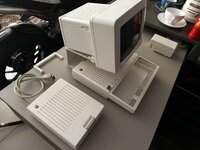
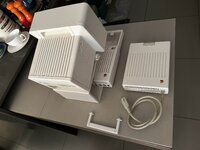
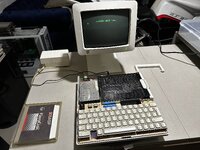
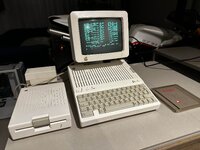
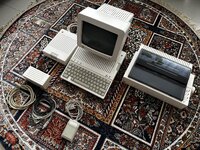
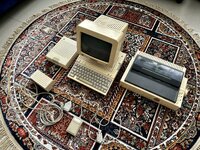
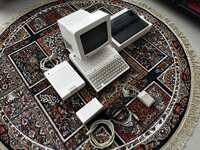
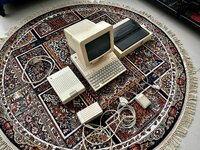
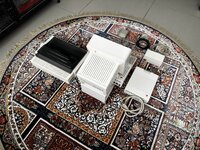
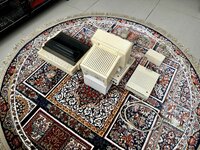
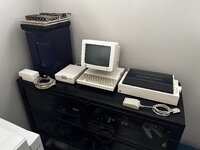
I've just purchased this complete Apple IIc: (It's a complete working system!)
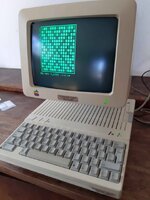
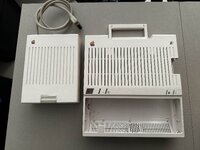
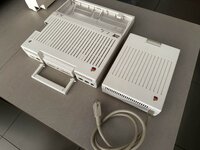
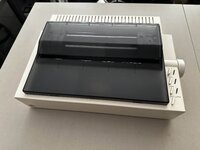
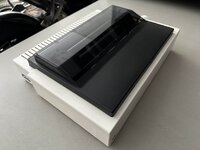
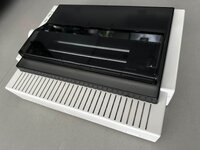
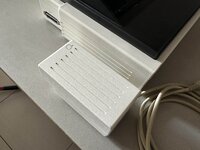
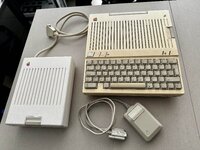
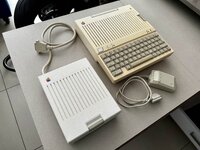
Here's the complete system: (It's in very good condition, but will need a thorough cleaning and a retrobright)
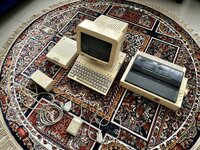
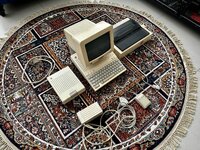
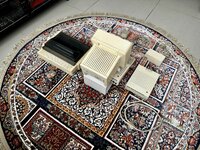
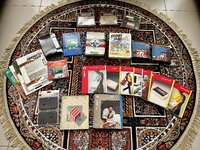
It came with all of its manuals and this selection of software:
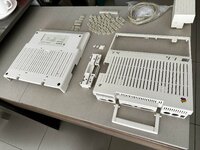
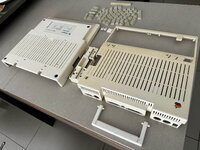
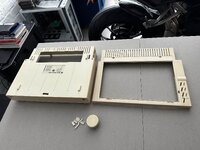
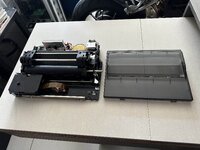
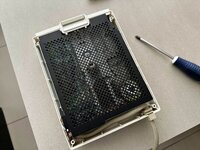
I have enough Hydrogen Peroxide left over from my last retrobright to do one of the components of this system. I’ve chosen the external drive, as I have clear plastic containers which will fit it. Here’s what it looks like dismantled! It was a breeze to dismantle!
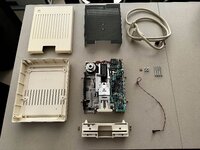
This unit was surprisingly clean on the inside!
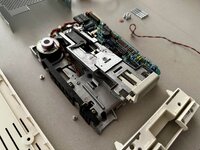
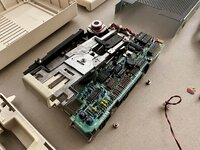
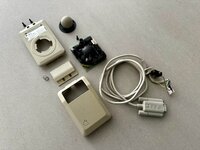
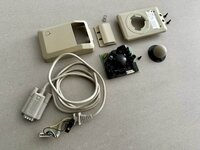
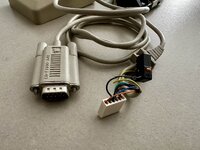
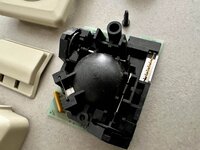
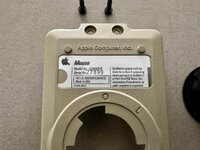
Here’s the disassembled mouse:
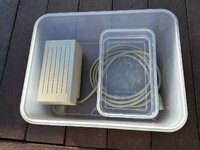
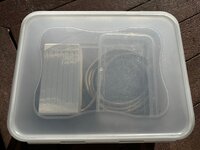
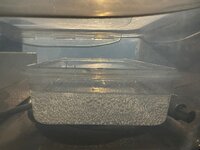
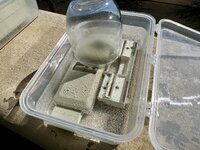
Here we go!!!
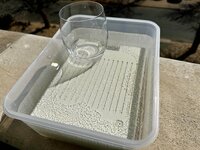
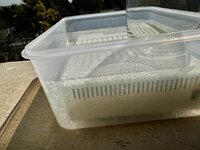
And we’re done!
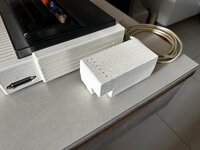
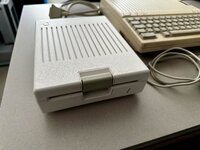
I placed the untreated computer next to it to show the difference!
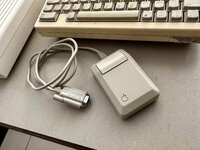
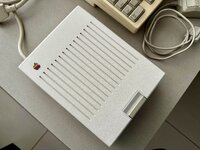
The little monitor’s going to get it next!!!
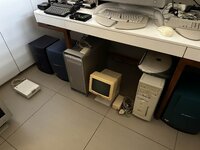
For now I’ve disassembled the “Little Monitor” and given all of the plastics a good cleaning. So it’s ready for retrobrighting. I just need to order allot more Hydrogen Peroxide and clear containers deep enough to allow for it to be completely submerged.
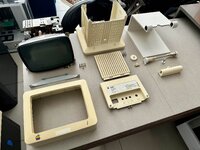
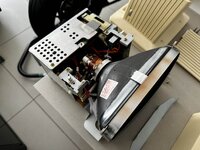
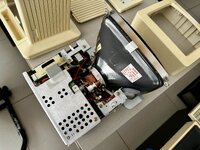
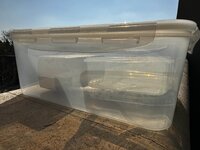
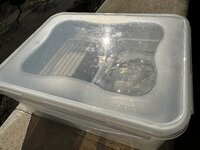
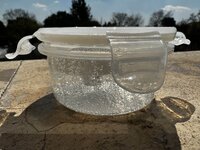
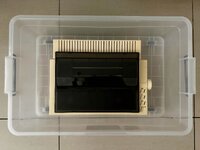
I managed to purchase the necessary clear containers to fit the rest of the system!
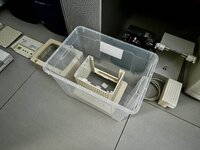
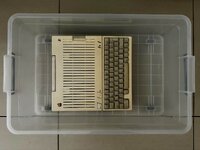
I'll need 160ml of Hydrogen Peroxide 50% to get each litre of Hydrogen Peroxide 8%. So I have plenty of this stuff (7.5 litres of 50%!!!)
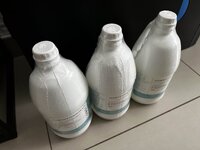
I can make just short of 47 litres of Hydrogen Peroxide 8%!!!
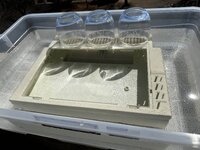
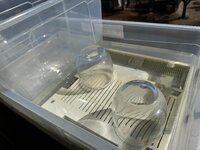
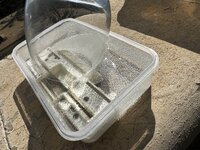
The bottle from my last batch of Hydrogen Peroxide will work perfectly as a displacement body to reduce the amount of Hydrogen Peroxide I’ll need to submerge the monitor's rear plastic!
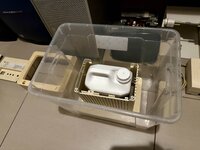
And We’re OFF To The RACES!!!
I coudn't remove the Apple badge from this with out damageing it, as it was too well stuck in place, so I'm risking it, as if it gets destroyed I'll order a "New" one from this site:
https://maceffects.com/products/rebubris...-iic-badge
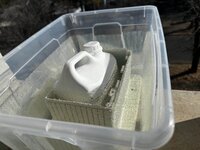
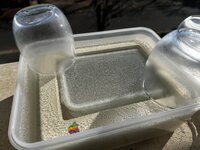
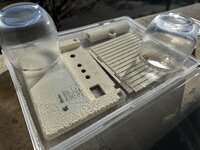
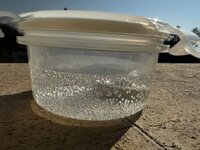
It’s back in one piece, and looks pretty darn good!!! (The Apple Badge was bleached a bit and will need to be replaced later on! I’ll just complete the whole machine first, as I may need to order three of them, if I can’t safely remove the others off the printer and computer itself! They’re all the same size.)
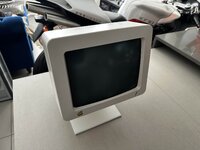
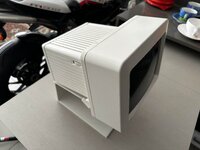
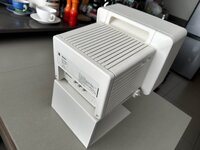
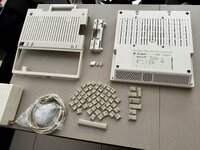
I’ve been away for the last two weeks, but this evening I got around to dismantling the Apple IIC, which I have to admit was a little bit more tricky than I expected it to be!
Here are some photos that I took while dismantling it:
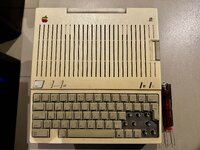
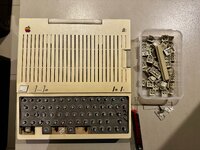
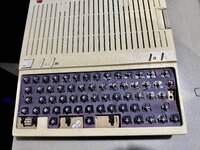
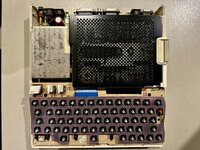
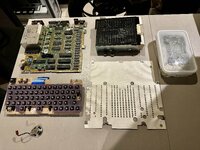
It unfortunately has the crappy Apple switches, but I’ll take on the challenge of lubricating and fixing them up!
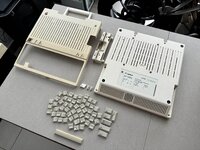
The plastics have undergone their first stage of cleaning, but will take quite a bit of time to get as clean as they need to be for retrobright! They are starting to clean up well, so I’m happy!
Here’s where I am with the plastics: (I’ll spend tomorrow afternoon finishing up so that I can hopefully retrobright on Saturday)
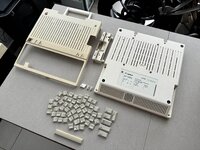
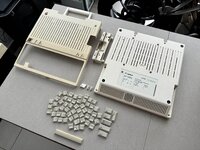
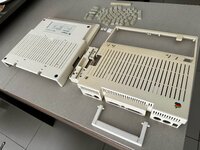
It turns out that the only key that will need retrobright is the space bar!
I can’t remove the Apple logo, but this time I’ve opted to cover it with clear tape to protect it from the Hydrogen Peroxide:
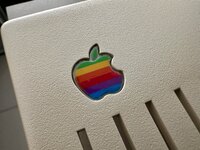
I've lubricated the switches with some Q20, and they're feeling 95% better!
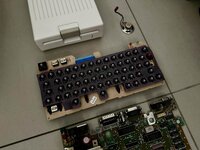
Here we go again!
Here's the complete system: (It's in very good condition, but will need a thorough cleaning and a retrobright)
It came with all of its manuals and this selection of software:
I have enough Hydrogen Peroxide left over from my last retrobright to do one of the components of this system. I’ve chosen the external drive, as I have clear plastic containers which will fit it. Here’s what it looks like dismantled! It was a breeze to dismantle!
This unit was surprisingly clean on the inside!
Here’s the disassembled mouse:
Here we go!!!
And we’re done!
I placed the untreated computer next to it to show the difference!
The little monitor’s going to get it next!!!
For now I’ve disassembled the “Little Monitor” and given all of the plastics a good cleaning. So it’s ready for retrobrighting. I just need to order allot more Hydrogen Peroxide and clear containers deep enough to allow for it to be completely submerged.
I managed to purchase the necessary clear containers to fit the rest of the system!
I'll need 160ml of Hydrogen Peroxide 50% to get each litre of Hydrogen Peroxide 8%. So I have plenty of this stuff (7.5 litres of 50%!!!)
I can make just short of 47 litres of Hydrogen Peroxide 8%!!!
The bottle from my last batch of Hydrogen Peroxide will work perfectly as a displacement body to reduce the amount of Hydrogen Peroxide I’ll need to submerge the monitor's rear plastic!
And We’re OFF To The RACES!!!
I coudn't remove the Apple badge from this with out damageing it, as it was too well stuck in place, so I'm risking it, as if it gets destroyed I'll order a "New" one from this site:
https://maceffects.com/products/rebubris...-iic-badge
It’s back in one piece, and looks pretty darn good!!! (The Apple Badge was bleached a bit and will need to be replaced later on! I’ll just complete the whole machine first, as I may need to order three of them, if I can’t safely remove the others off the printer and computer itself! They’re all the same size.)
I’ve been away for the last two weeks, but this evening I got around to dismantling the Apple IIC, which I have to admit was a little bit more tricky than I expected it to be!
Here are some photos that I took while dismantling it:
It unfortunately has the crappy Apple switches, but I’ll take on the challenge of lubricating and fixing them up!
The plastics have undergone their first stage of cleaning, but will take quite a bit of time to get as clean as they need to be for retrobright! They are starting to clean up well, so I’m happy!
Here’s where I am with the plastics: (I’ll spend tomorrow afternoon finishing up so that I can hopefully retrobright on Saturday)
It turns out that the only key that will need retrobright is the space bar!
I can’t remove the Apple logo, but this time I’ve opted to cover it with clear tape to protect it from the Hydrogen Peroxide:
I've lubricated the switches with some Q20, and they're feeling 95% better!
Here we go again!