• Hello MLAers! We've re-enabled auto-approval for accounts. If you are still waiting on account approval, please check this thread for more information.

Mac SE screen just went dead...several restarts haven't solved the problem.

I just purchased a Mac SE. I've had it on for about an hour or so. All of a sudden, there was a soft "pop" followed by the screen darkening and "stretching" out...as if all the sides were being pulled away from the center of the screen. The brightness wheel is maxed out. I've tried restarting the computer a few times but the screen is still black...I'm guessing there is a cap issue here?

 
I should mention that I have performed a few hard restarts - the computer does the happy mac bong and it does sound like there is HDD activity (the fan is running as well) so I think it can safely be narrowed down to a problem with the screen, caps or (maybe?) the flyback transformer?

 
Congrats on the SE!

From what you say, it is definitely something on the analog board, but I personally don't think it's caps. At least that's not where I'd look first. Beyond that however it's hard to say exactly what the issue is until you look inside.. It could be something as simple as a failed resistor (there's a 470k 1/2W at R22 that can be a culprit), it could be the flyback, it's possible it's the tube itself... So the first step would be to open the case and inspect the vinyl jacket for burn marks, which may get you looking in the right area, inspect the CRT, connections, and the upper part of the analog board for anything possibly suspect.

Was there smoke or a burning smell preceding or when you heard the 'pop'?. Was there a noticeable 'ozone' smell when the machine was running (which would indicate a failing flyback)? Any other symptoms before failure (wavy screen or other screen artifacts, noises - hums, whines, chirps, etc.?) 

Also: if this is your first time working on a compact mac, PLEASE follow the safety procedures when opening and working around the CRT. There are lots of technical / repair manuals online as PDFs - easy to find through Google. There are plenty of teardown videos as well.

 
Last edited by a moderator:
Congrats on the SE!

From what you say, it is definitely something on the analog board, but I personally don't think it's caps. At least that's not where I'd look first. Beyond that however it's hard to say exactly what the issue is until you look inside.. It could be something as simple as a failed resistor (there's a 470k 1/2W at R22 that can be a culprit), it could be the flyback, it's possible it's the tube itself... So the first step would be to open the case and inspect the vinyl jacket for burn marks, which may get you looking in the right area, inspect the CRT, connections, and the upper part of the analog board for anything possibly suspect.

Was there smoke or a burning smell preceding or when you heard the 'pop'?. Was there a noticeable 'ozone' smell when the machine was running (which would indicate a failing flyback)? Any other symptoms before failure (wavy screen or other screen artifacts, noises - hums, whines, chirps, etc.?) 

Also: if this is your first time working on a compact mac, PLEASE follow the safety procedures when opening and working around the CRT. There are lots of technical / repair manuals online as PDFs - easy to find through Google. There are plenty of teardown videos as well.
Thanks for that.

There was no magic smoke or smell associated with the "soft pop".  Like I said, when that happened, it first appeared as if the screen switched from one resolution to another then instantaneously back (you know, where the screen vanishes then reappears) and then it begun to...stretch out to all sides and corners of the screen as it got darker and darker until it shut off completely.  The screen isn't dark...there is simply nothing on at all.  The HDD light is blinking and there is audible disk activity.  About 30 seconds post power-on, the speaker makes a sort of "poof" noise.  There have been no chimes of death, so are logic board issues ruled out?

I'm proficient at basic (real basic) soldering and re capping but what you're saying sounds a bit above my pay grade lol.  I'm currently retrobriting the keyboard in the meantime and will have to do the same to the case.  Lets hope developer cream works as well as basic clear developer!

I know how to discharge a CRT, but it still makes me nervous as hell.  I may buy some insulated gloves just to be extra cautious.  Do the SE's have bleeder resistors in their CRTs?

Again, thank you for your input.

 
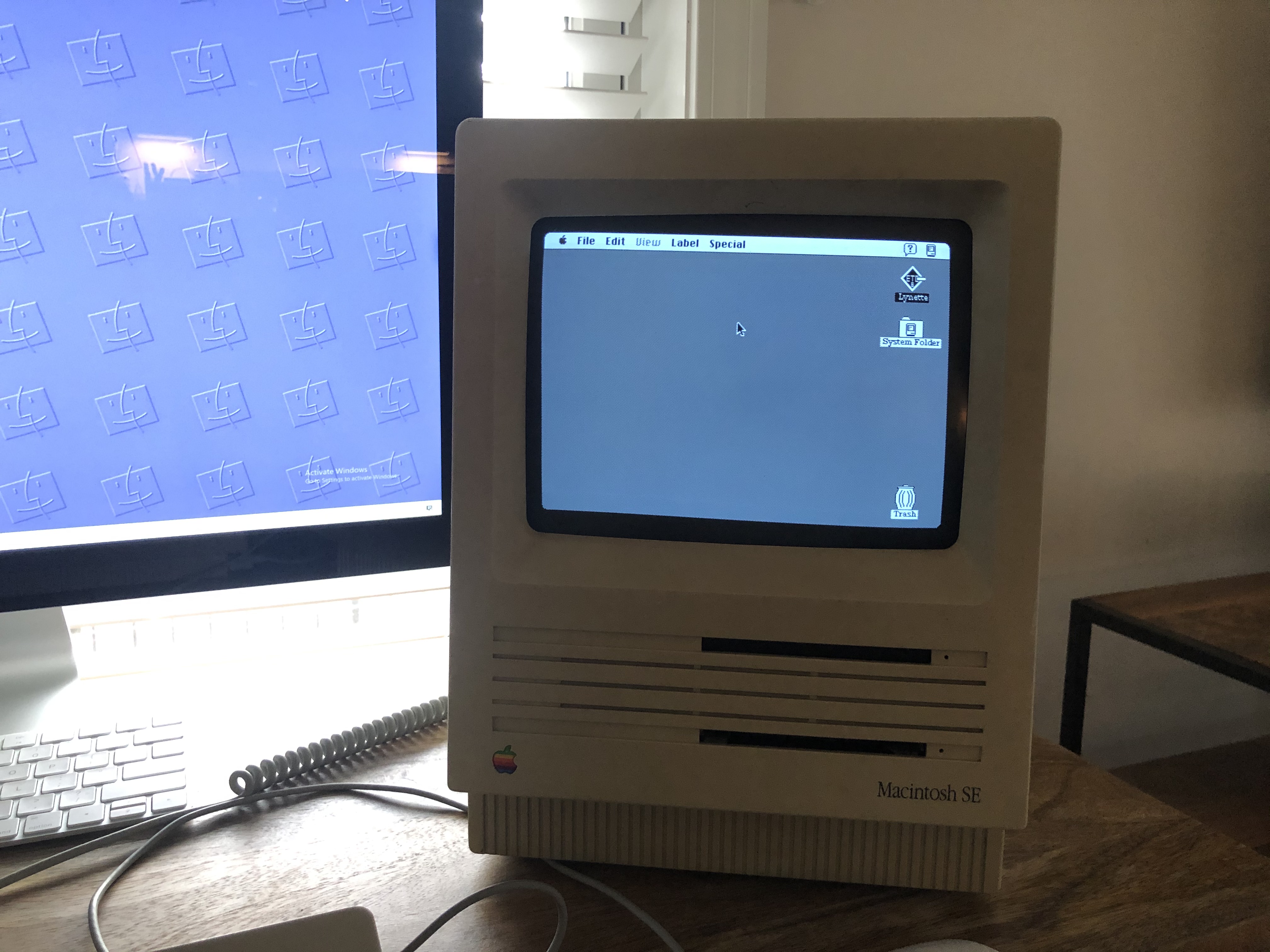
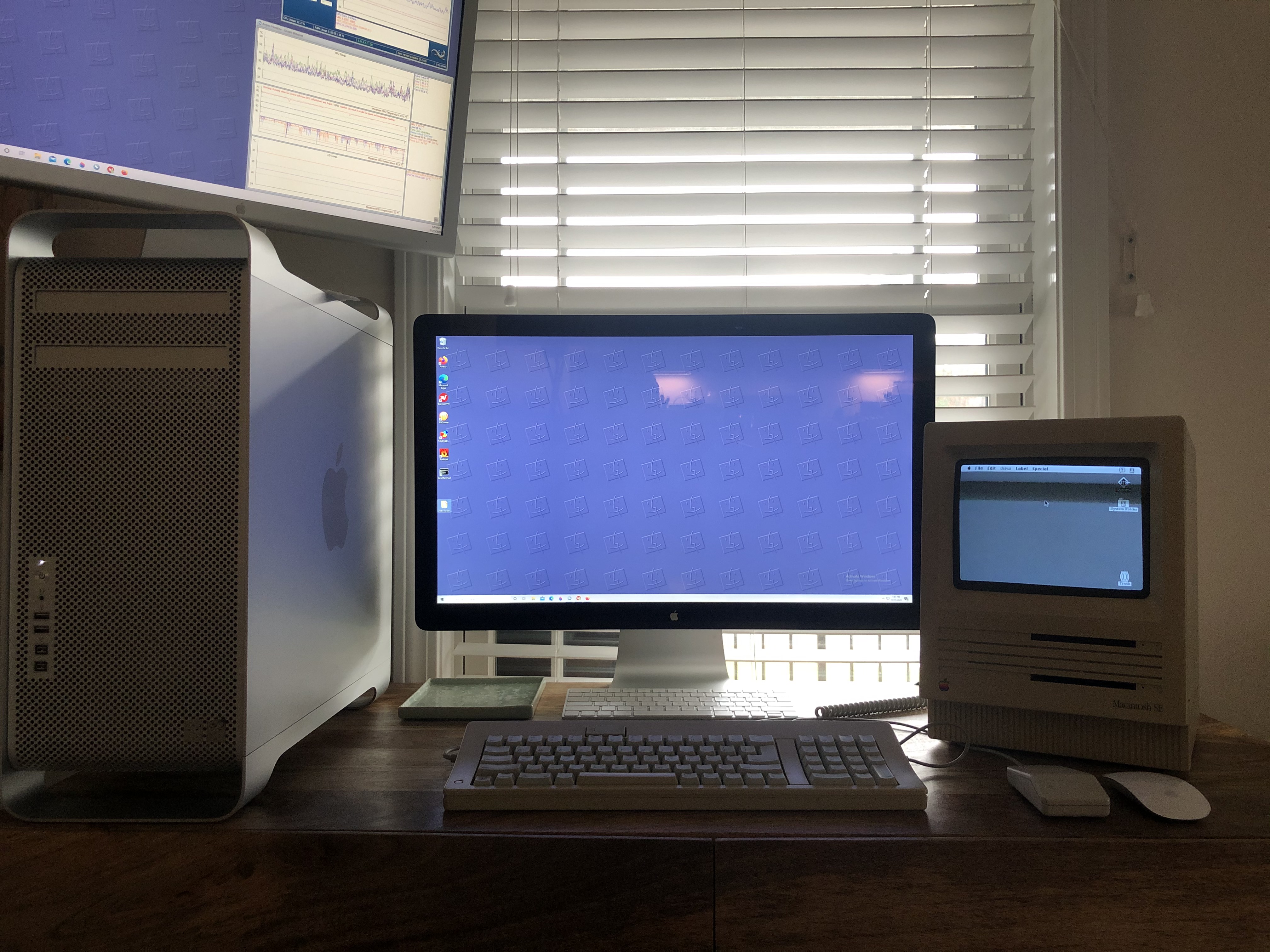
Here is a picture of it 30 minutes before the screen went!

lbSx7oB.jpg


u0Hg5gv.jpg


The SE's will have bleeder resistors, and the flyback is likely one of the 'newer' ones that bleed off. Honestly, it's not a big deal, no need to be daunted - we just wouldn't want someone launching in there and taking things apart while still plugged in or when things haven't sufficiently discharged. If you wait a bit (a couple hours, even less) after unplugging it, it's totally fine to handle. It sounds like you're the cautious type, so I think you'll be totally fine to open things up and take a look around. You can find out a lot with just your eyes and a multimeter. So go ahead and do it - it's totally worth it.

I'm not familiar personally with the 'slow die'... but based on what you're saying it sounds to me like your logic board is fine, and probably the power supply is fine as well. The 'poof' sound is, I expect, just the sound of the system switching to desktop in the absence of a working tube.

To be sure about the power supply, you can verify the voltages via the floppy port... simply sticking a paper clip or stiff wire into a hole along the top row of the floppy port at the back and measuring the voltage with a multimeter each time (red to the pin, black in one of the port screw holes - any one will do, they're all ground) while the machine is on... I can't remember the order, but you should see around 12V, -12V, and 5V on some of them. Just be careful not to accidentally cause a short, it can do damage to the logic board. Just be deliberate with your actions and take your time... as with most things. :)

This book isn't perfect, but it's a good place to start, and has a lot of good info in it about safety, what values to measure for, and how to and diagnose issues - which pins on the floppy port to test and how to do it - as well as some specific info about the SE: http://www.maccaps.com/MacCaps/Repair_books_files/Macintosh Repair and Upgrade Secrets.pdf

The nice thing about analog board issues is that they're usually pretty easy to fix, and the parts are mostly cheap and easy to find. The big exception is the flyback, which have become nearly impossible to find new, and they're crazy expensive ($150USD+) when they do show up. But you can usually find a donor board here in the trading post or on ebay for a decent price.


 
I'm proficient at basic (real basic) soldering and re capping but what you're saying sounds a bit above my pay grade lol.


One of the nice things about working on the analogue boards is that the solder joints are all nice and big and chunky, so it's easier in terms of technique to work on than logic boards, IMO.  I don't like doing it personally, because high voltage components make me nervous even turned off, but in terms of technique it is easier.

There was no magic smoke or smell associated with the "soft pop".


Still, if you heard a pop, it is likely you will be able to see something that made that pop on the board.  Look at the tops of capacitors, and keep an eye out for soot marks in case it's something else that went pop. 

 
what you describe is called Raster Blooming. 

This happened for one of two reasons: 

1. the Flyback took a dump and slowly failed as it shorted internally. This lowers the high voltage and causes the raster to bloom and fade. 

2. the main B+ feed to the monitor dropped in voltage, which would result in a similar consequence, however the vertical would collapse equally. 

I am going to hedge a bet the Flyback went south, or, one of the supporting components to the flyback has went south. Check for caps to make sure one of them didnt vent. 

There is a possible third option, and that is if the logic chip that couples the horizontal drive circuit from the logic board, to the rest of the analog board has failed in some strange way, it would have potentially caused the drive signal to degrade before it became non-existent. But this would have resulted in a horizontal and vertical collapse, not expansion. 

 
Last edited by a moderator:
Back
Top