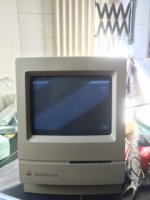
I have a Mac Classic that I purchased in 1991. It was my only computer till 1998 when I placed it in its carrying bag and stored it in a closet. Sometime in the 2000s I started it up successfully. On the next attempt I think a question mark came up.
Over the weekend I tried to start it up and heard the floppy spin along with the HD. No bong sound though.
Turning the brightness up showed a thin horizontal line about 5 inches long. I've attached the image.
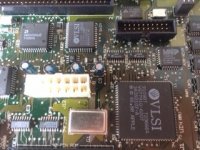
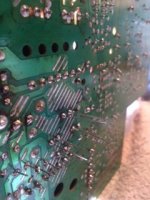
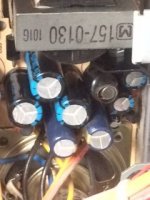
I have the case open and there's no obvious damage.
So I don't have the heart to trash this link to my past. I'm going to trouble shoot the display first. I've read enough to know that I need to discharge the CRT.
I'd like to ask where you think I should start troubleshooting
Over the weekend I tried to start it up and heard the floppy spin along with the HD. No bong sound though.
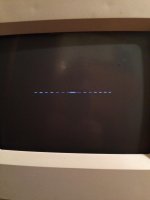
Turning the brightness up showed a thin horizontal line about 5 inches long. I've attached the image.
I have the case open and there's no obvious damage.
So I don't have the heart to trash this link to my past. I'm going to trouble shoot the display first. I've read enough to know that I need to discharge the CRT.
I'd like to ask where you think I should start troubleshooting
Last edited by a moderator: