



Hello!
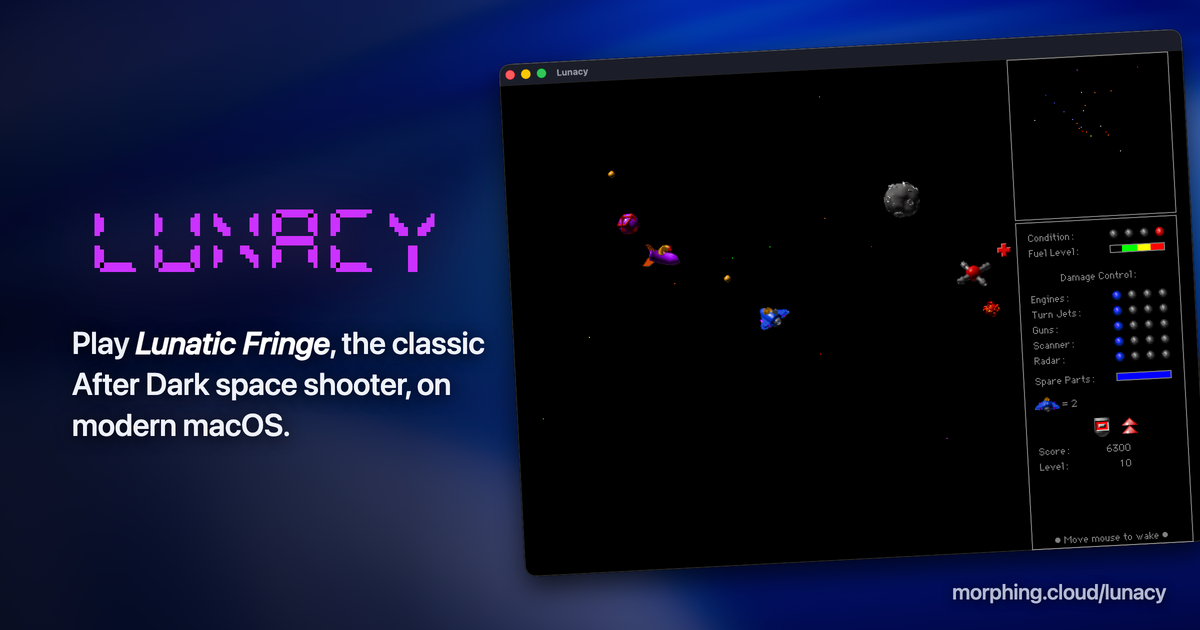
I've built a macOS app that emulates enough of the After Dark engine to run the original Lunatic Fringe After Dark module file, inspired by Greg Parker's Fringe Player. As with Fringe Player, the catch is that you have to provide the Lunatic Fringe module from an install of More After Dark or After Dark Deluxe.
I've built it as universal binary for macOS 13+, but I don't have those handy for testing.
If you're interested in trying it out, I'd greatly feedback in the areas of:
* Does it work, at all? Did I botch anything with the notarization, that kind of thing?
* Framerate ok?
* Any weird bugs?
* Anything confusing in the setup?
* Any ideas to make this better?
The 1.0b1 download is available at:
Against my better judgement, I've included a global high score list. This is probably a terrible idea that I'll remove later.
Hope you enjoy!
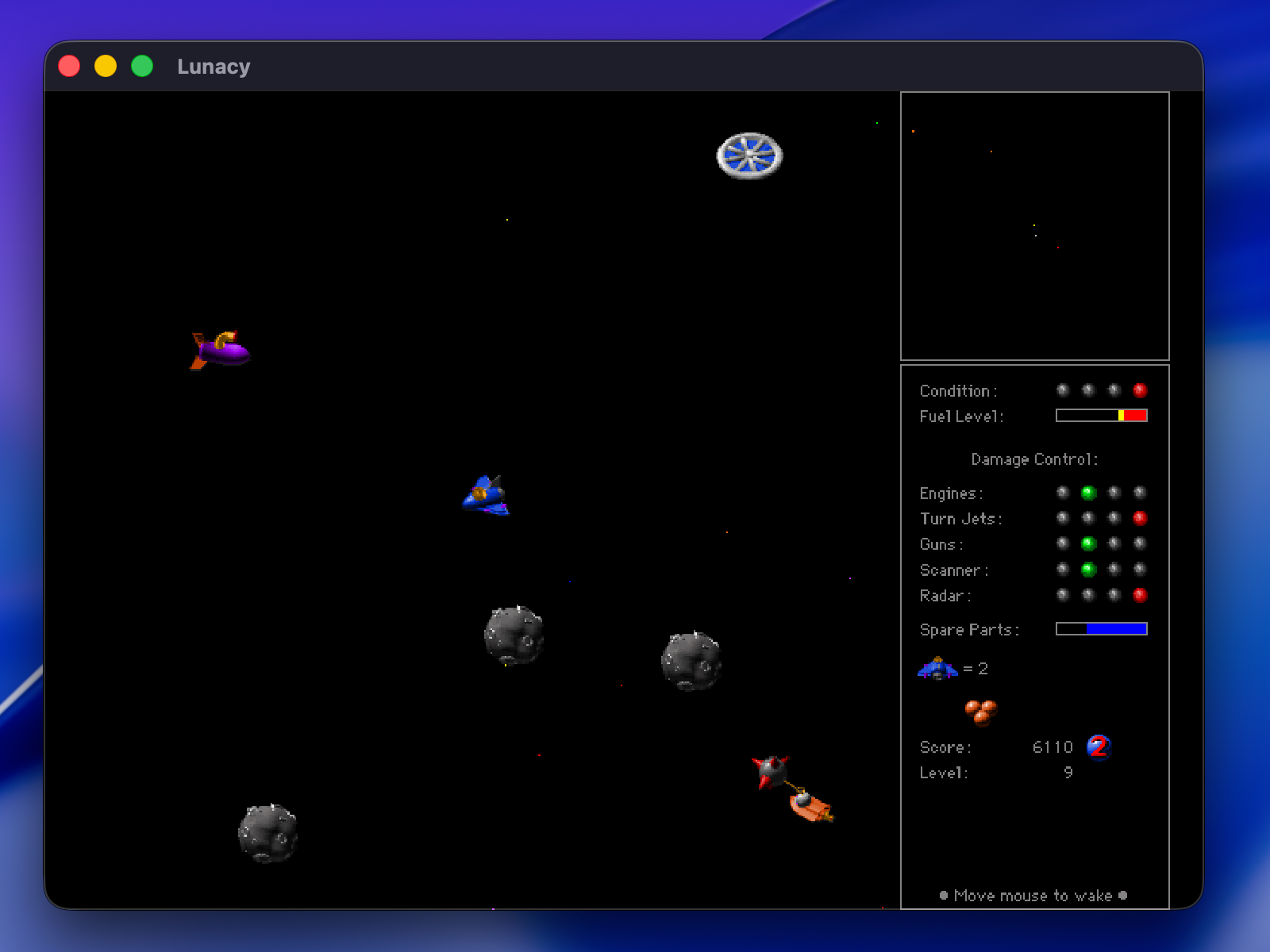
I've built a macOS app that emulates enough of the After Dark engine to run the original Lunatic Fringe After Dark module file, inspired by Greg Parker's Fringe Player. As with Fringe Player, the catch is that you have to provide the Lunatic Fringe module from an install of More After Dark or After Dark Deluxe.
I've built it as universal binary for macOS 13+, but I don't have those handy for testing.
If you're interested in trying it out, I'd greatly feedback in the areas of:
* Does it work, at all? Did I botch anything with the notarization, that kind of thing?
* Framerate ok?
* Any weird bugs?
* Anything confusing in the setup?
* Any ideas to make this better?
The 1.0b1 download is available at:
Lunacy — Lunatic Fringe on modern macOS
Play Lunatic Fringe, the classic After Dark space shooter, natively on modern macOS — full screen, optional CRT shader, and a live global high-score board.
morphing.cloud
Against my better judgement, I've included a global high score list. This is probably a terrible idea that I'll remove later.
Hope you enjoy!




