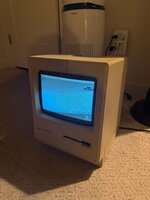
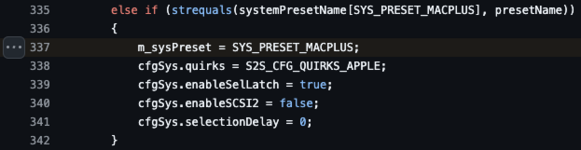
Hey, noob here. I was trying to boot my Mac Plus with the new ZuluSCSI Pico Slim. Looking at the instructions, it seems as if I'm doing everything right.
SD card is 32gb, named SDHC, formatted to Fat32.
I have one file on it called HD1.hda of OS 6.0.5 (I've tried several naming methods as well as different .hda files sourced from infinitemac, etc).
Using USB power, I get a green light that constantly flashes on the ZuluSCSI and a question mark on the Mac Pro.
Unfortunately haven't been able to boot I'm either doing something wrong or my hda file is bad?
Help appreciated
Log from the ZuluSCSI
SD card is 32gb, named SDHC, formatted to Fat32.
I have one file on it called HD1.hda of OS 6.0.5 (I've tried several naming methods as well as different .hda files sourced from infinitemac, etc).
Using USB power, I get a green light that constantly flashes on the ZuluSCSI and a question mark on the Mac Pro.
Unfortunately haven't been able to boot
I'm either doing something wrong or my hda file is bad?Help appreciated
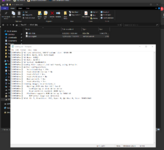
Log from the ZuluSCSI