SUCCESS!
Well sorta anyway.
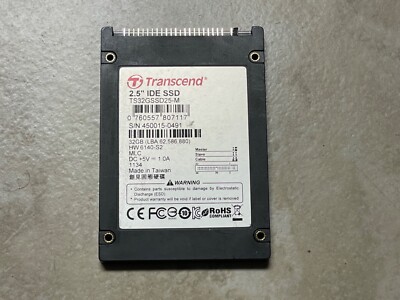
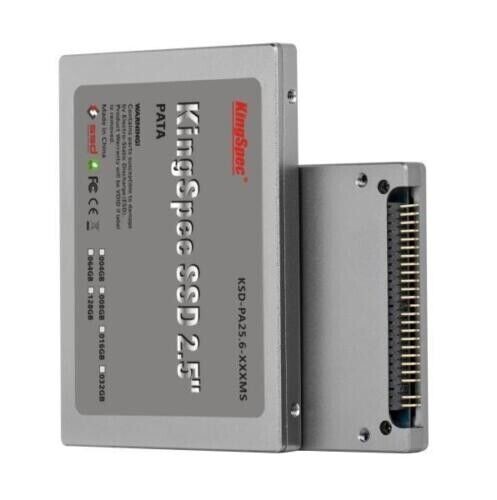
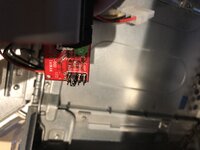
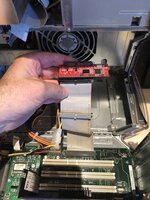
450 MHz SP Sawtooth running and booting both OS 9.2 and Tiger 10.4.6 from a dual, equally partitioned 120 GB Inland brand SSD, with a StarTech SATA adapter bridge.
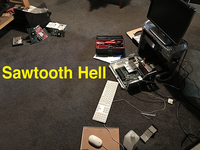
Last night and into the early morning hours here, the Sawtooth seemed to almost make it through the complete boot sequence with OS 9.2. Right up to when desktop icons would normally begin to appear… and then the monitor would simply go dark. (With an occasional pair of audible “dings” soon thereafter.) And that was with a Shift-key boot to disable extensions. Tiger always booted fully and without problem.
Updated the Sawtooth’s Firmware from 3.2.2f1 to 4.2.8f1 and it still pulled the same stunts under 9.2. Actually a few times, suspected some ATI extension problem. So after chasing and testing various ATI extensions off and on, I gave up early this morning.
This afternoon… (in a Quicksilver) reformatted, partitioned and re-installed both OS 9.2 and 10.4.6 on the 120 GB Inland SSD and found a suitable nVidia video card. Re-placed the StarTech + SSD and the nVidia card in the Sawtooth and Option-key booted the thing into the then visible OS 9.2 partition. No problems. Quickly turned off all of the ATI extensions and then selected Tiger for a reboot. Again, no problems.
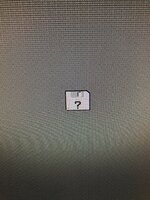
Only when I selected the OS 9.2 partition then for a reboot from within Tiger… ooops. It booted right back into Tiger as if OS 9 didn’t exist at all. The OS 9 partition didn’t even appear as a selection when Option-key booting after that. So then, loaded the OS 9.2 “Universal” installer into the tray and booted that. From there, using the Startup Disk control panel, selected the OS 9.2 partition for reboot and it then rebooted right back into the OS 9.2 partition. AND that is repeatable, as long as using Option-key booting between the two partitions. AND it does exactly the same when using a green “Bribge” (EVB-002-3) SATA adapter. (Both the Bribge and the StarTech jumpers set to Master.)
Ahh, the lowly “Bribge”.

(Hats off to
@indibil!)
Now I haven’t tested it as a Slave with a conventional HD in place as a Master - but if the SSD was entirely devoted to OS 9.2 AND that would work, I could accept that. BUT not going to test that right away. But, may do so before I use Tiger’s Disk Utility to reformat the OS 9.2 partition (with OS 9 drivers checked) and then re-install OS 9.2… as if the different formatting might allow Tiger to actually reboot into a newly reformatted (Extended) partition with OS 9.2… again, freshly re-installed.
I do prefer formatting OS 9 partitions with Drive Setup 2.1 as it yields slightly better benchmark results and all ‘round better performance. I’m definitely OS 9 - centric.
And this current result is kind of funny… in the sense that Tiger may really prefer OS 9 operating and linked to it, under “Classic” mode?
It was killing me last night, as I’ve never had such problems using an adapter and SSD, even in a G3 Blue & White!
And I haven’t tested this yet in the other (400 MHz) Sawtooth with its’ current resident Boot ROM of 1.3f1. [There is a 2.4 Firmware Update too.] Suppose I could try the 2.4 AND the 4.2.8f1 updaters?
So, it is "tentatively" possible after all?