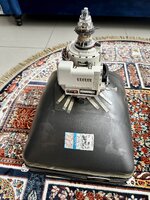
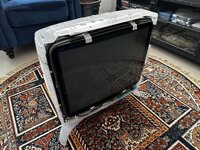
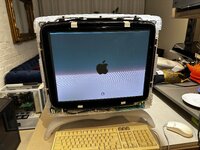
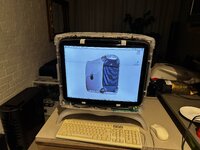
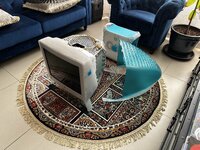
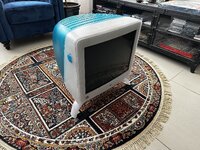
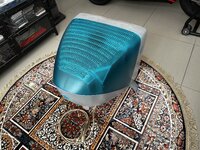
I managed to purchase a 21" Apple Studio Display (Blueberry - CRT) locally for $133.
I'm willing to go through the process of troubleshooting this unit, as these things are extremely heavy and it would be expensive as well as risky to import one due to its size and weight.
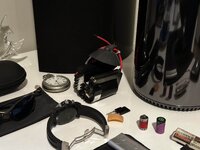
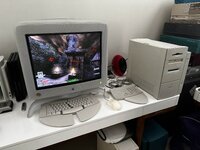
I plan on pairing it with my Max-Spec G3 B&W Tower.
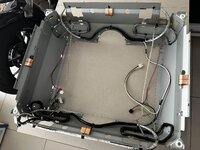
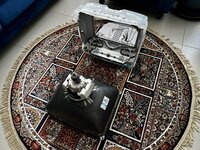
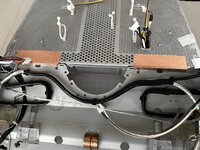
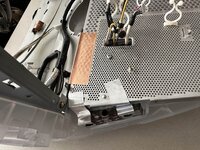
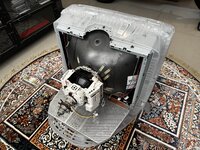
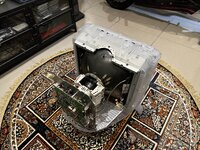
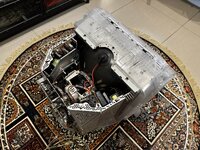
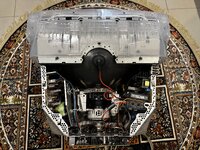
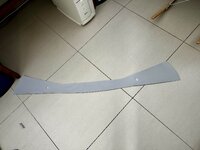
The plastics are in very good condition, but because the display had been sitting in a garage for years collecting dust, it was filthy internally, as it has a huge vent on the top allowing dust to fall freely onto its internal components.
When I picked it up, I took a look through the top vent, and when I saw how much dust was inside, I decided not to attempt to power it up.
According to the seller, when it's plugged in, it receives power and when you press the power button, you hear a relay click, but there's no picture. So I asked the seller if he heard the classic static sound that these units make as they power up, when he attempted to turn it on. He replied that there was no static sound or static present when he attempter to turn it on.
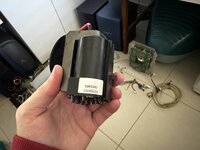
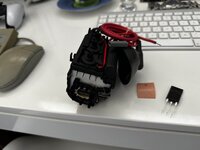
The Flyback Transformers in these units are known to break down, so from his description I believe that the Flyback Transformer in this unit has more than likely failed.
The good thing is that I did a bit of research before purchasing the unit and found this site: https://crtdatabase.com/crts/apple/apple...20features which gave me the servicing manual for this unit as well as the serial number for it's Flyback Transformer. Allowing me to track down a replacement part from this site: https://technotronic-dimensions.3dcartst..._2174.html
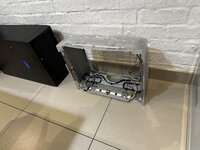
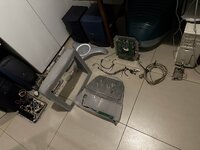
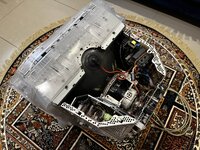
Before commencing the troubleshooting procedure, I've decided to tare this unit down completely and give it a thorough clean.
I'll admit that I wasn't prepared for what I'd find on the inside of this unit, although I've always known that they attract dust due to the static they produce, this was crazy!
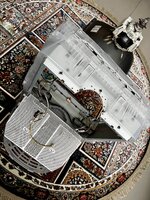
And so the disassembly of the internal components begins! (Removing the rear plastic cover was more tricky that I thought - it is a bit of a pain in the ass to remove due to all of the tabs which secure it in place.)
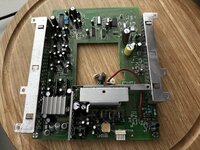
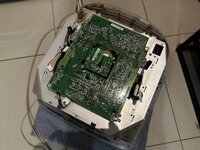
It’s important to photograph all of the connections before disassembling! By the way, this is the colour calibration board the Steve bragged about, and although it's the first board you see during the disassembly, it's the last board you can remove from the unit.
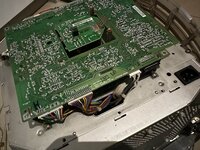
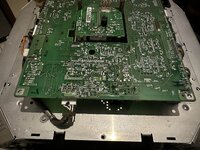
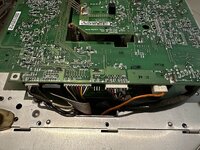
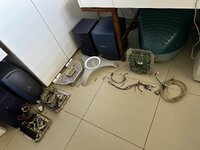
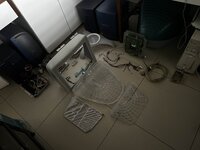
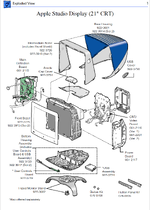
Here's an exploded view of all of the sub-assemblies:
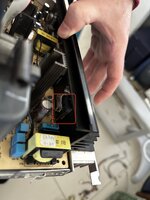
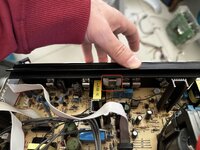
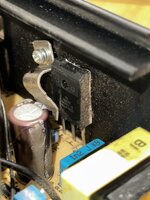
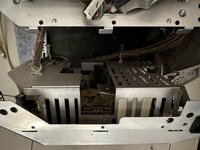
The removal of the power module:
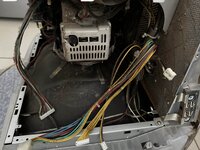
The Cleaning Process:
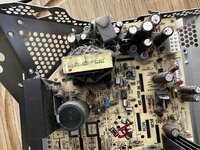
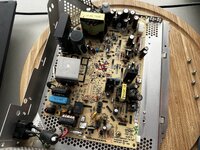
The cleaned Module:
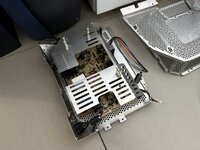
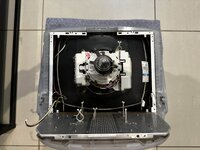
In preparing to remove the main deflection module, so I firstly removed the connections to the electron gun:
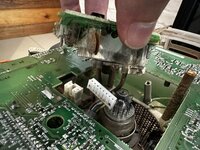
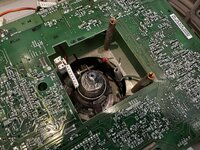
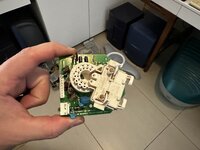
The deflection module removal:
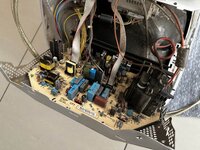
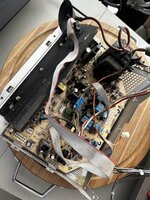
The cleaned up deflection module:
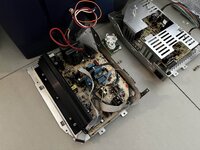
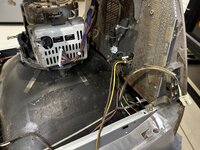
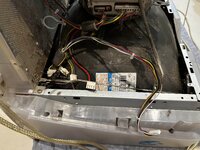
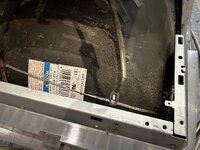
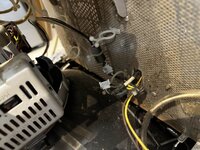
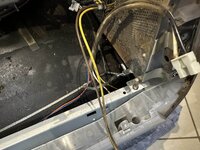
Before removing anything else, I took this series of photos to see exactly how the various wiring harnesses need to be routed:
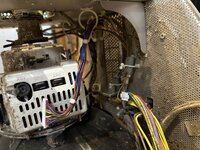
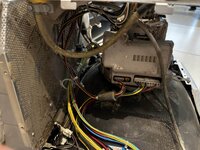
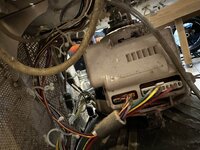
I'm willing to go through the process of troubleshooting this unit, as these things are extremely heavy and it would be expensive as well as risky to import one due to its size and weight.
I plan on pairing it with my Max-Spec G3 B&W Tower.
The plastics are in very good condition, but because the display had been sitting in a garage for years collecting dust, it was filthy internally, as it has a huge vent on the top allowing dust to fall freely onto its internal components.
When I picked it up, I took a look through the top vent, and when I saw how much dust was inside, I decided not to attempt to power it up.
According to the seller, when it's plugged in, it receives power and when you press the power button, you hear a relay click, but there's no picture. So I asked the seller if he heard the classic static sound that these units make as they power up, when he attempted to turn it on. He replied that there was no static sound or static present when he attempter to turn it on.
The Flyback Transformers in these units are known to break down, so from his description I believe that the Flyback Transformer in this unit has more than likely failed.
The good thing is that I did a bit of research before purchasing the unit and found this site: https://crtdatabase.com/crts/apple/apple...20features which gave me the servicing manual for this unit as well as the serial number for it's Flyback Transformer. Allowing me to track down a replacement part from this site: https://technotronic-dimensions.3dcartst..._2174.html
Before commencing the troubleshooting procedure, I've decided to tare this unit down completely and give it a thorough clean.
I'll admit that I wasn't prepared for what I'd find on the inside of this unit, although I've always known that they attract dust due to the static they produce, this was crazy!
And so the disassembly of the internal components begins! (Removing the rear plastic cover was more tricky that I thought - it is a bit of a pain in the ass to remove due to all of the tabs which secure it in place.)
It’s important to photograph all of the connections before disassembling! By the way, this is the colour calibration board the Steve bragged about, and although it's the first board you see during the disassembly, it's the last board you can remove from the unit.
Here's an exploded view of all of the sub-assemblies:
The removal of the power module:
The Cleaning Process:
The cleaned Module:
In preparing to remove the main deflection module, so I firstly removed the connections to the electron gun:
The deflection module removal:
The cleaned up deflection module:
Before removing anything else, I took this series of photos to see exactly how the various wiring harnesses need to be routed: