


I'm going to try to dehumidify the screen of my powerbook with a new method. I have seen many people trying to bake the screen in the oven, but in my opinion, that will not work, because evaporation must occur in a slow process, the key is not high temperature, but time. I think it's necessary to let it evaporate for a long time, at a reasonable temperature.
So I'll leave my screen under this halogen lamp for several hours, and I'll post the results here. If I do not get satisfactory results, I will try to leave DAYS under the lamp, and I will also try with some kind of silica
Sorry for my bad english. I'm from Brazil.
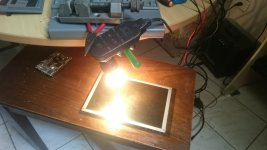
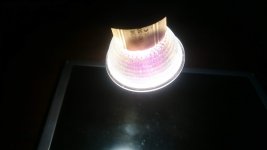
So I'll leave my screen under this halogen lamp for several hours, and I'll post the results here. If I do not get satisfactory results, I will try to leave DAYS under the lamp, and I will also try with some kind of silica
Sorry for my bad english. I'm from Brazil.








